Photos from current listings. Actual item, color, and included accessories may vary.
Rode Microphone Buying Guide
Rode microphones span USB podcasting mics, XLR studio condensers, and wireless lav systems, so the core trade-off is connectivity and capsule architecture: USB models trade upgrade flexibility for plug-and-play, while XLR condensers demand an interface but deliver lower noise and higher SPL headroom. Pick by connection standard and capsule type first; anything without a clear USB-C/XLR spec or published self-noise figure is a compromise.


At a glance
- Category
- Microphones & Accessories
- Data updated
- Nov 15, 2026
Current offers
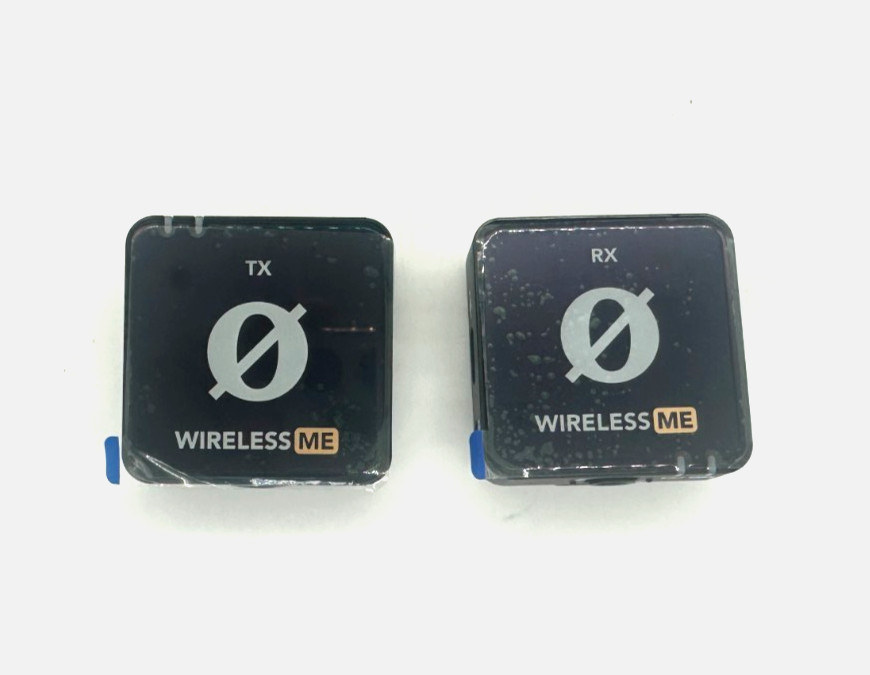 Rode Wireless ME Compact Wireless Microphone System Unit Only, No Accessories$43.98
 View on eBay
 RODE RODELink Microphone Professional Used Audio Gear Home Studio Equipment$85.88View on eBay
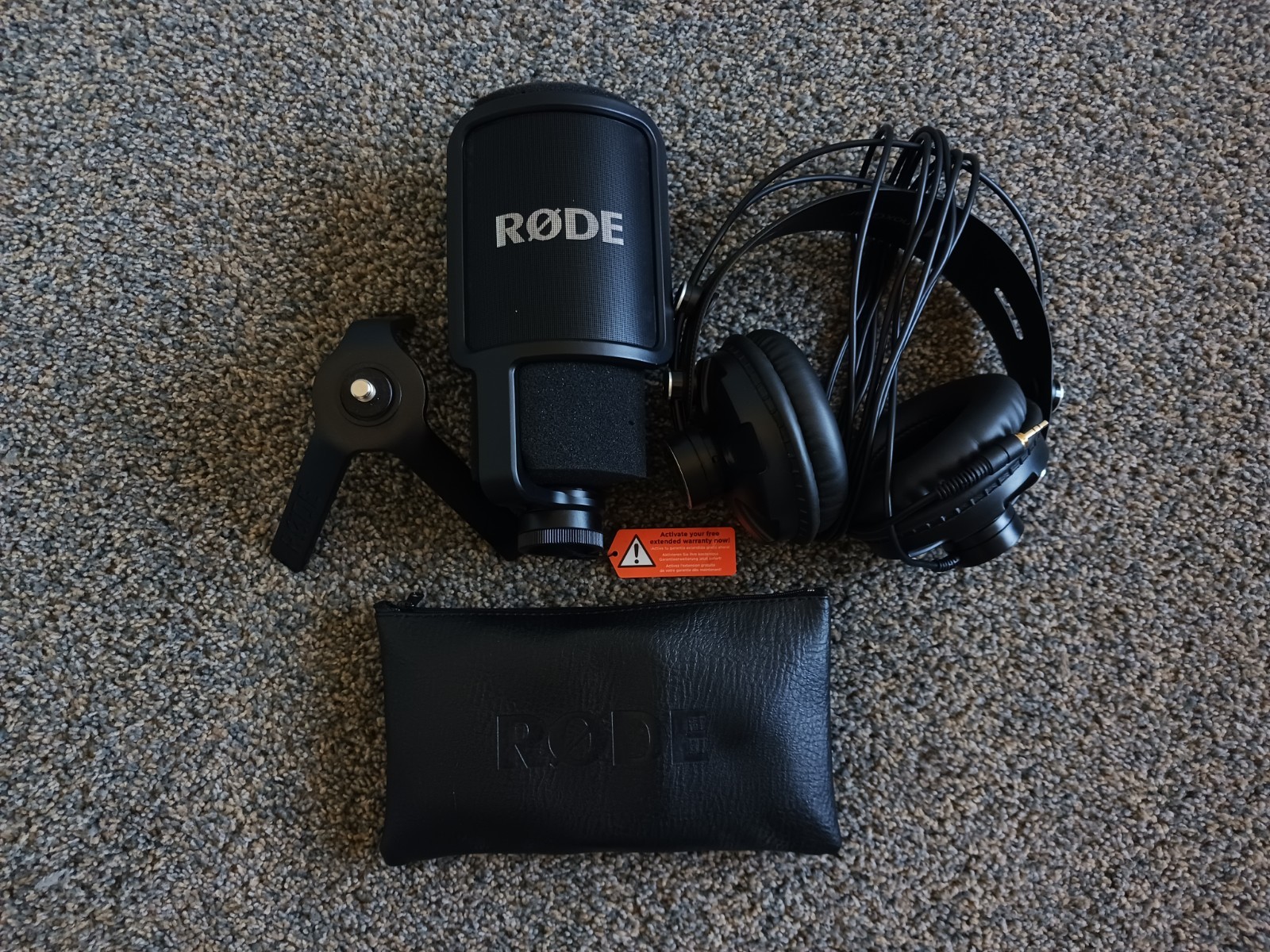 Rode NT-USB Versatile Studio-Quality USB Microphone W/ Headphones & Accessories$120.00View on eBay
 RODE PSA1 Microphone Box Professional Used Audio Gear Home Studio Equipment$127.60View on eBay
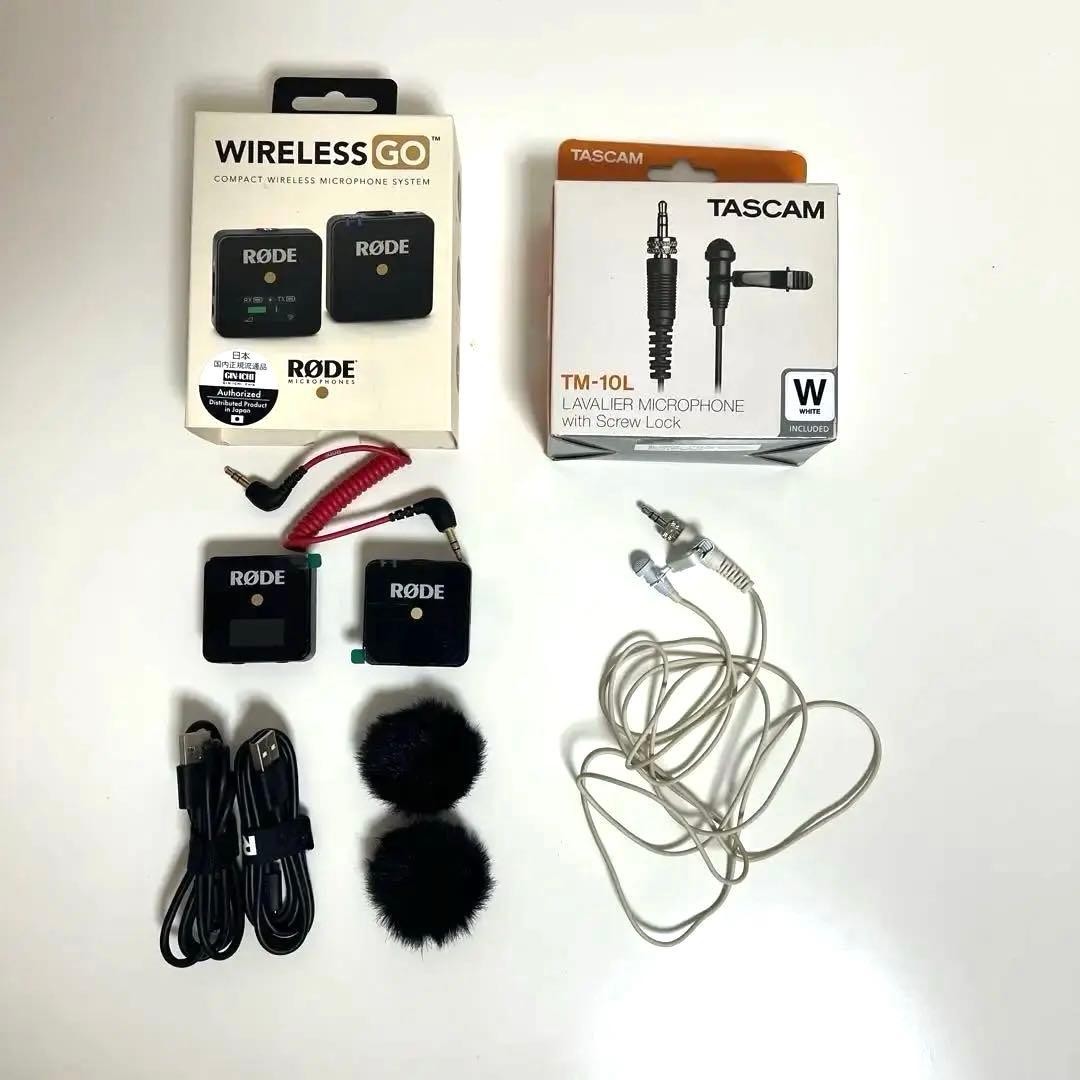 RODE Wireless GO Microphone Professional Used Audio Gear Home Studio Equipment$139.05View on eBay
 RODE NT1-A Microphone Professional Used Audio Gear Home Studio Equipment$145.18View on eBay
 RODE NT1A Microphone Professional Used Audio Gear Home Studio Equipment$153.77View on eBay
 RODE NT3 Microphone Professional Used Audio Gear Home Studio Equipment Recording$153.77View on eBay
 Rode Boompole Professional Microphone Boom Arm,Black$159.00View on eBay
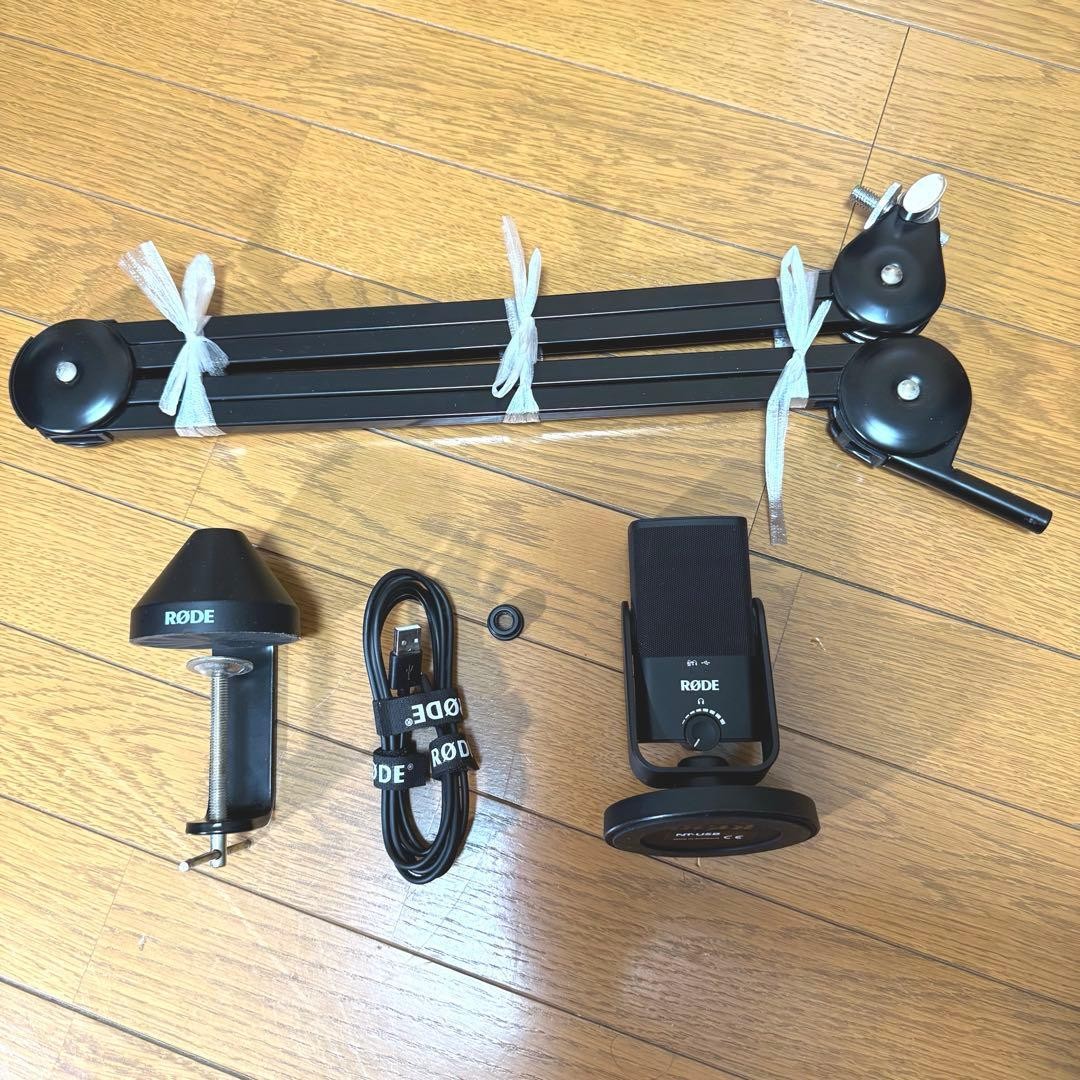 RODE NT-USB Mini Microphone Professional Used Audio Gear Home Studio Equipment$171.77View on eBay
 RODE NT2 Condenser Microphone Audio Gear Recording Studio Tested Pre-Owned$179.51View on eBay
Highlights
- USB models (NT-USB, NT-USB Mini) use cardioid condenser capsules with built-in A/D conversion and zero-latency headphone monitoring—no interface needed.
- XLR studio condensers like the NT1-A (5 dBA self-noise, 137 dB SPL) and NT1 (4 dBA) require a phantom-power interface and deliver broadcast-grade noise floors.
- Wireless GO and Wireless ME are 2.4 GHz clip-on systems with built-in mics and 3.5mm/USB-C outputs—separate transmitter/receiver, not a studio condenser replacement.
- Rode accessories follow a distinct ecosystem: PSA1 boom arm, DS1 desk stand, and boompoles are mechanical supports—buy them as separate fit items, not mic tiers.
Best use cases
- Podcasting or streaming on one computer: choose NT-USB or NT-USB Mini; skip XLR condensers unless you already own a phantom-power interface.
- Vocal/music recording in a treated room: pick NT1-A or NT1 with an audio interface; skip USB mics if you need lowest self-noise and future preamp upgrades.
- On-camera or field interviews: choose Wireless GO/Wireless ME clip-on systems; skip studio condensers and boom arms for run-and-gun capture.
- Desk-mounted broadcast setup: pair an XLR or USB mic with PSA1 boom arm; skip boompoles unless you are booming overhead on a stand.
Buying tips
- Match the connection to your gear: USB-C for direct computer recording, XLR for interfaces/mixers; 3.5mm TRS/TRRS for camera or phone wireless receivers.
- For quiet rooms, prioritize self-noise under 7 dBA (NT1 at 4 dBA, NT1-A at 5 dBA); above 10 dBA hiss becomes audible on quiet sources.
- Check capsule pattern: cardioid-only condensers are ideal for single-voice; omni or multi-pattern models cost more and suit room/interview capture.
- Budget for the companion parts: XLR mic needs a stand and cable; PSA1 boom requires a desk edge or clamp; wireless kits need compatible TRS/TRRS cables per device.
Specs
| Connection | USB-C / XLR / 2.4 GHz wireless |
|---|---|
| Capsule Type | Condenser, cardioid (most models) |
| Self-Noise | 4-5 dBA (NT1/NT1-A) vs higher USB |
| Phantom Power | +48V required for XLR condensers |
Related searches
What to check before buying
- Measure desk thickness and depth for a PSA1-style boom arm clamp (typically fits up to ~55 mm edges) before buying the arm.
- Confirm your interface or mixer supplies +48V phantom power for any XLR condenser (NT1, NT1-A, NT3).
- Verify phone/camera port: USB-C for newer devices, 3.5mm TRS for cameras, TRRS adapter for phones—mismatched plugs cause one-channel or no audio.
- Check ceiling height and stand footprint if using a boompole overhead; boom arms need rigid desks, and floor stands need clearance for the counterweight.
FAQ
Data sources: eBay / Amazon listings and product attribute feeds Data updated Nov 15, 2026.
Some links on this page are affiliate links. If you buy after clicking one, we may earn a commission at no extra cost to you. This does not change which products appear here or their order. Affiliate disclosure.