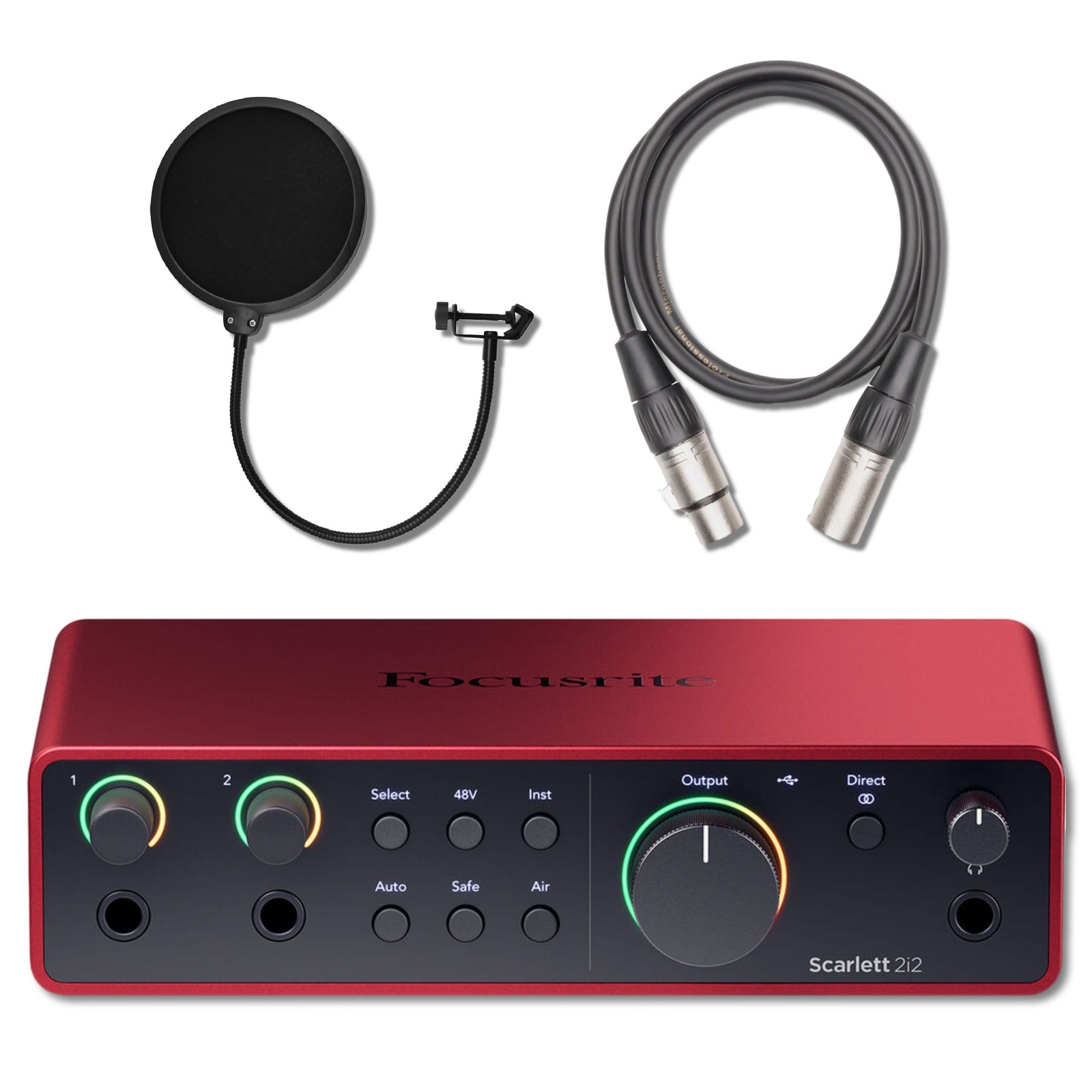

Photos from current listings. Actual item, color, and included accessories may vary.
Xlr Interface Buying Guide
An XLR interface is a USB or Thunderbolt audio device that converts analog microphone signals into digital audio for a computer, and its core trade-off is preamp quality and driver stability versus channel count and connectivity. The decisive rule: buy an interface with at least one combo XLR/TRS input, class-compliant USB-C, and 48V phantom power; skip any unit that lacks dedicated gain knobs or uses legacy USB micro-B.


At a glance
- Category
- Recording & Studio Gear
- Data updated
- Nov 15, 2026
Current offers
Highlights
- Scarlett 2i2 4th Gen uses dual combo XLR/TRS inputs with 69 dB gain range and auto-gain, versus 3rd Gen's 56 dB and manual-only gain staging.
- Bus-powered USB-C interfaces deliver 48V phantom power directly from the port; USB 2.0 bus power caps phantom current and can starve condenser mics.
- Preamps with EIN below -128 dBu (A-weighted) keep noise floor inaudible; budget units above -120 dBu add hiss at high gain for dynamic mics.
- Direct monitor mix knobs blend zero-latency analog input with DAW playback; interfaces without hardware monitoring force software monitoring at 5-15 ms latency.
Best use cases
- Solo vocalist or podcaster: pick a 2-in/2-out bus-powered interface with combo XLR/TRS jacks and a direct monitor knob; skip 1-in units that cannot record a mic and instrument simultaneously.
- Two-person podcast or acoustic duo: choose a 2-in interface with independent gain knobs per channel and 48V phantom; skip units with a single shared gain knob that forces level compromise.
- Multi-mic drum or band tracking: step up to an 8-in interface with ADAT expansion and rack-mount ears; skip bus-powered 2-in units that lack word-clock and optical input.
Buying tips
- Match input count to simultaneous sources: 1 XLR for solo voice, 2 combo jacks for voice plus guitar, 4+ XLR for drum overheads or full band tracking.
- Confirm 48V phantom power is switchable per channel or globally; condenser mics need it, and leaving it on can damage ribbon mics.
- Choose USB-C class-compliant interfaces for driverless macOS/iOS use; Windows buyers should verify a dedicated ASIO driver exists for low-latency recording.
- Check output connectivity: balanced TRS or XLR main outs feed studio monitors cleanly; unbalanced RCA outs invite hum over long cable runs.
Specs
| Input Channels | 1-2 combo XLR/TRS to 8+ XLR |
|---|---|
| Phantom Power | 48V switchable per channel |
| Connection | USB-C bus-powered vs USB-A |
| Gain Range | 56-69 dB for dynamic mics |
Related searches
What to check before buying
- Measure desk or rack space: 2-in interfaces run roughly 4-7 inches wide, while 8-in rack units need 1U of 19-inch rack depth.
- Verify computer port: USB-C bus power requires a USB-C port that supplies 5V/900mA; older USB-A ports may need a powered hub.
- Confirm microphone type: dynamic mics need 60+ dB gain, condensers need 48V phantom, and ribbons need phantom OFF.
- Check monitor cable standard: studio monitors accept balanced TRS or XLR; consumer speakers need RCA or 3.5mm adapters.
FAQ
Data sources: eBay / Amazon listings and product attribute feeds Data updated Nov 15, 2026.
Some links on this page are affiliate links. If you buy after clicking one, we may earn a commission at no extra cost to you. This does not change which products appear here or their order. Affiliate disclosure.