Photos from current listings. Actual item, color, and included accessories may vary.
Audio Interface Buying Guide
An audio interface is the translator between analog microphones/instruments and your computer's USB bus, and the primary trade-off is converter quality and preamp headroom versus channel count and connectivity. Durable options specify real phantom power voltage, dedicated ASIO/Core Audio drivers, and metal chassis; compromises cut preamp gain, use noisy headphone amps, or lack proper driver support.


At a glance
- Category
- Recording & Studio Gear
- Data updated
- Nov 15, 2026
Current offers
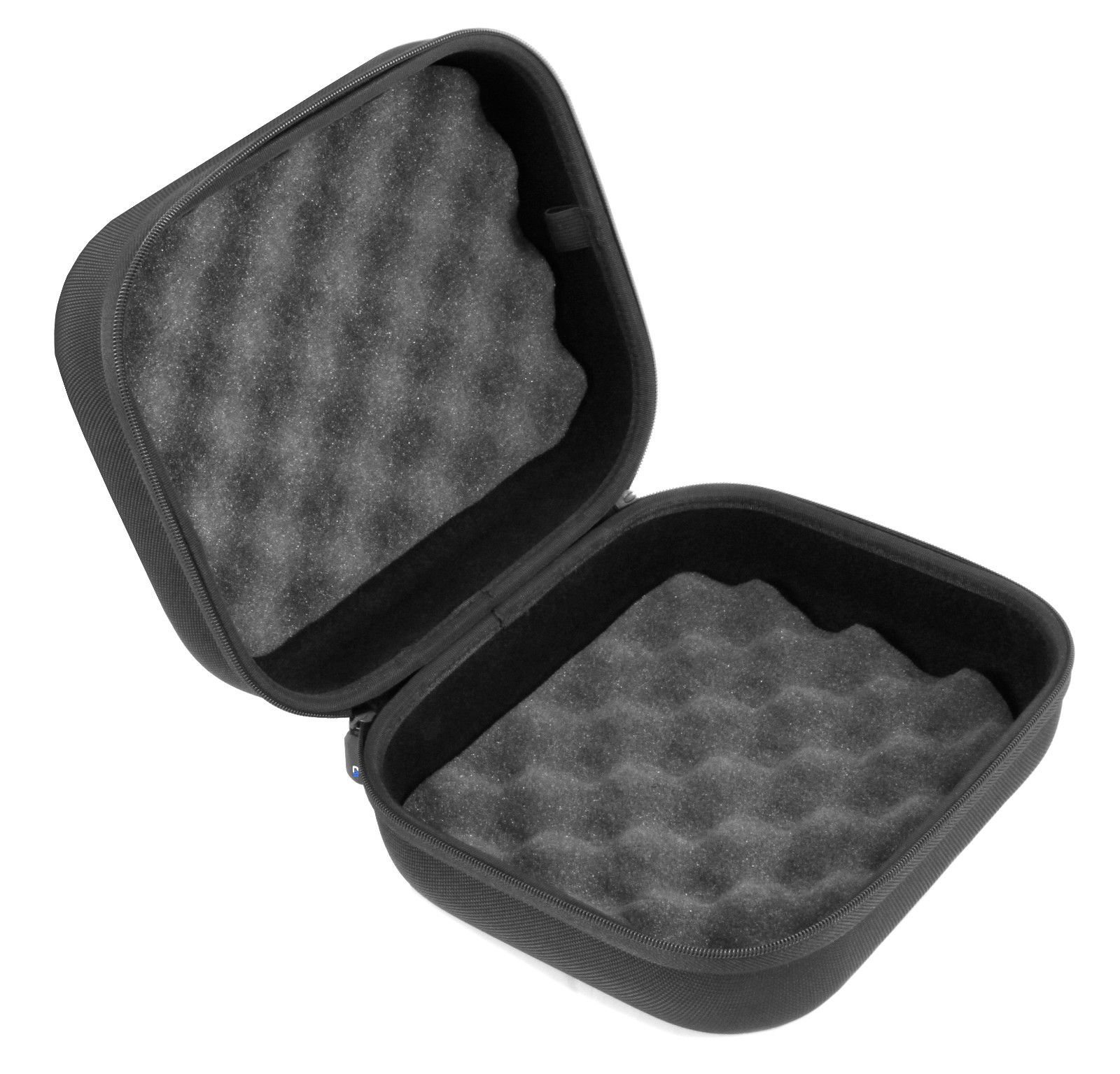 CASEMATIX Case for MAONO P2 Hybrid USB Audio Interface - Podcast Recording Case$24.99
 View on eBay
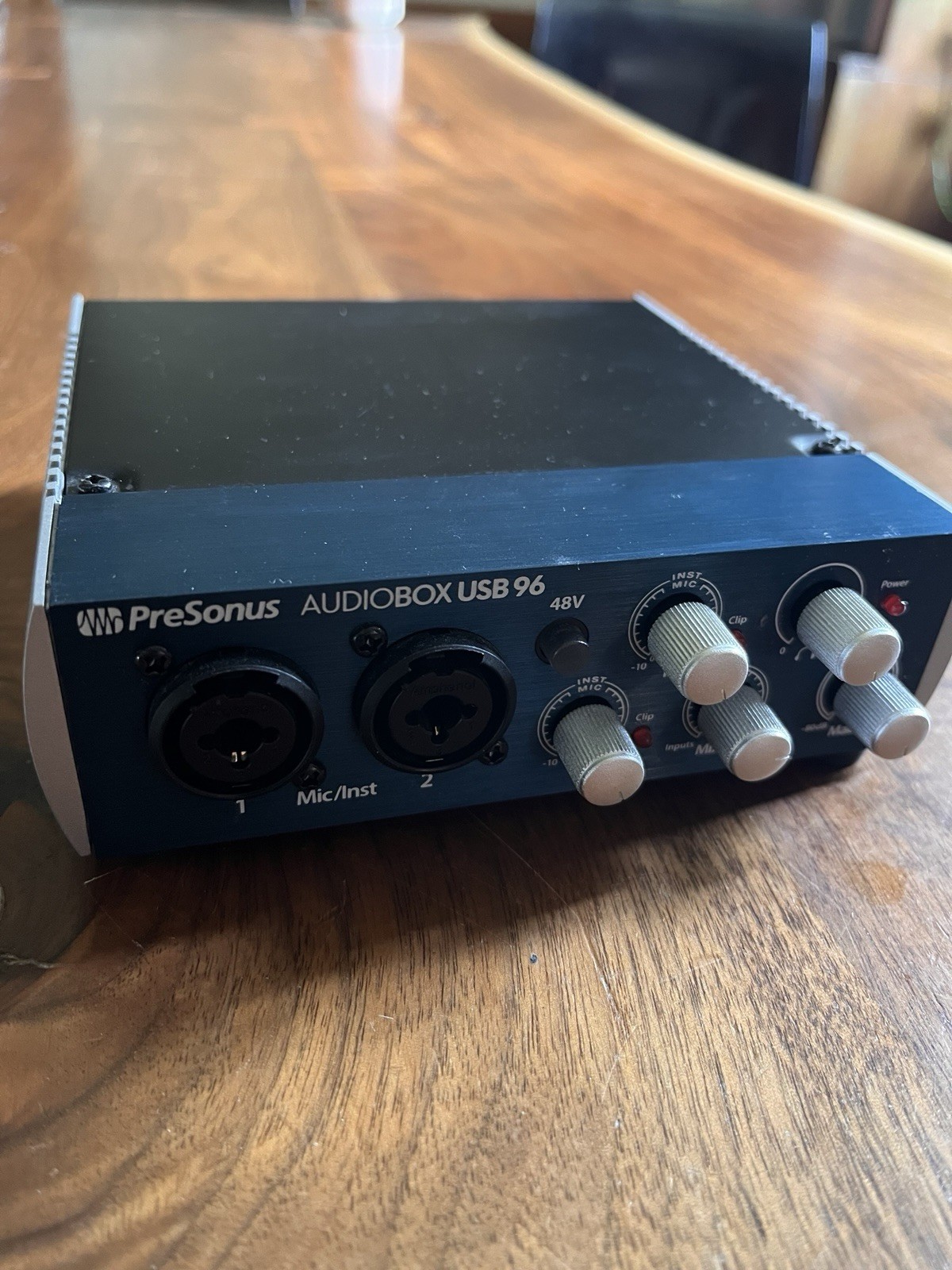 PreSonus AUDIOBOX USB 96 2 Channel Audio Interface Tested Working Studio Gear$34.99View on eBay
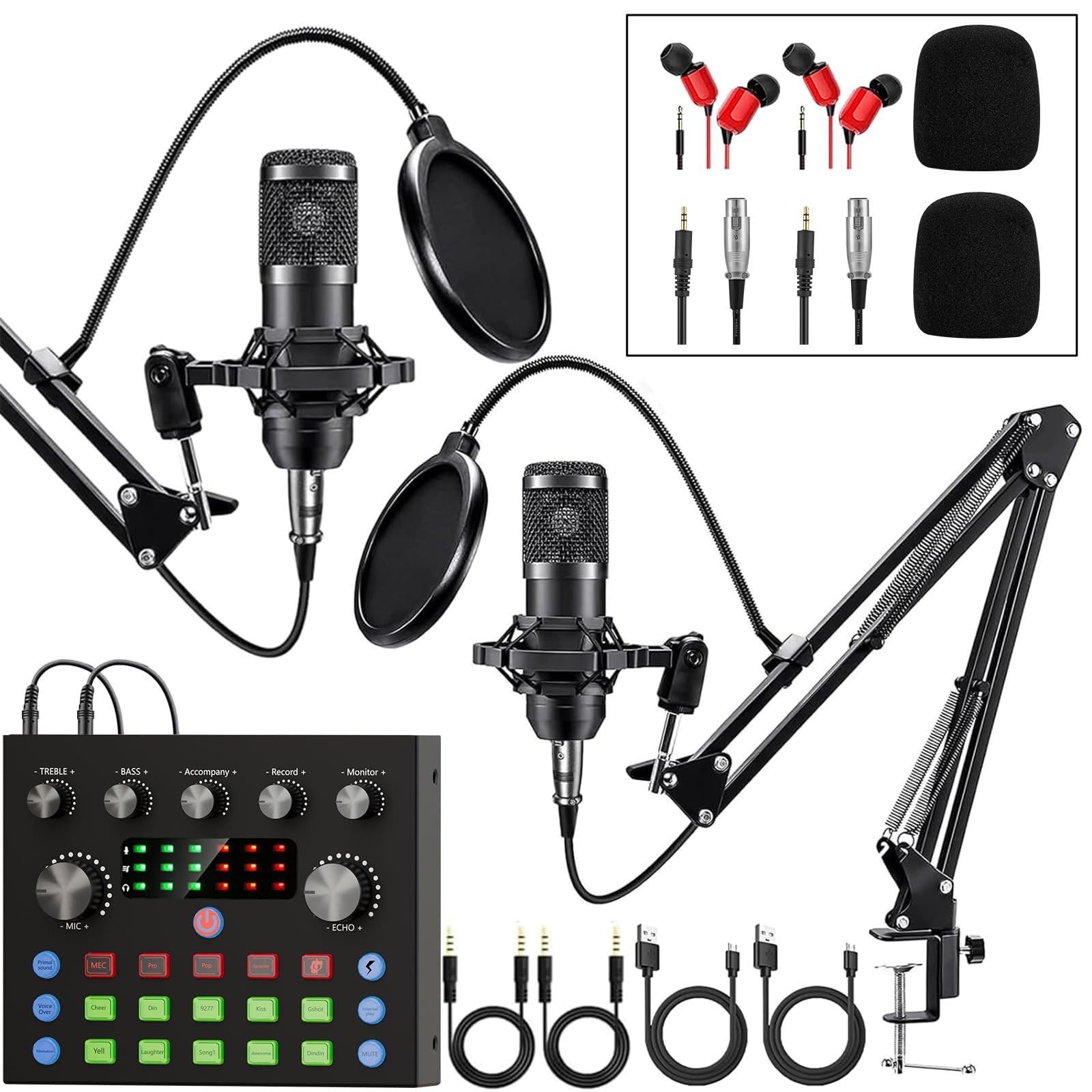 Podcast Equipment Bundle for 2, Audio Interface with Voice Changer Condenser ...$59.51View on eBay
 JOYO JF-14 Amp Sim Pedal+MOMIX CAB Audio Interface Pro Recording Performance Kit$65.99View on eBay
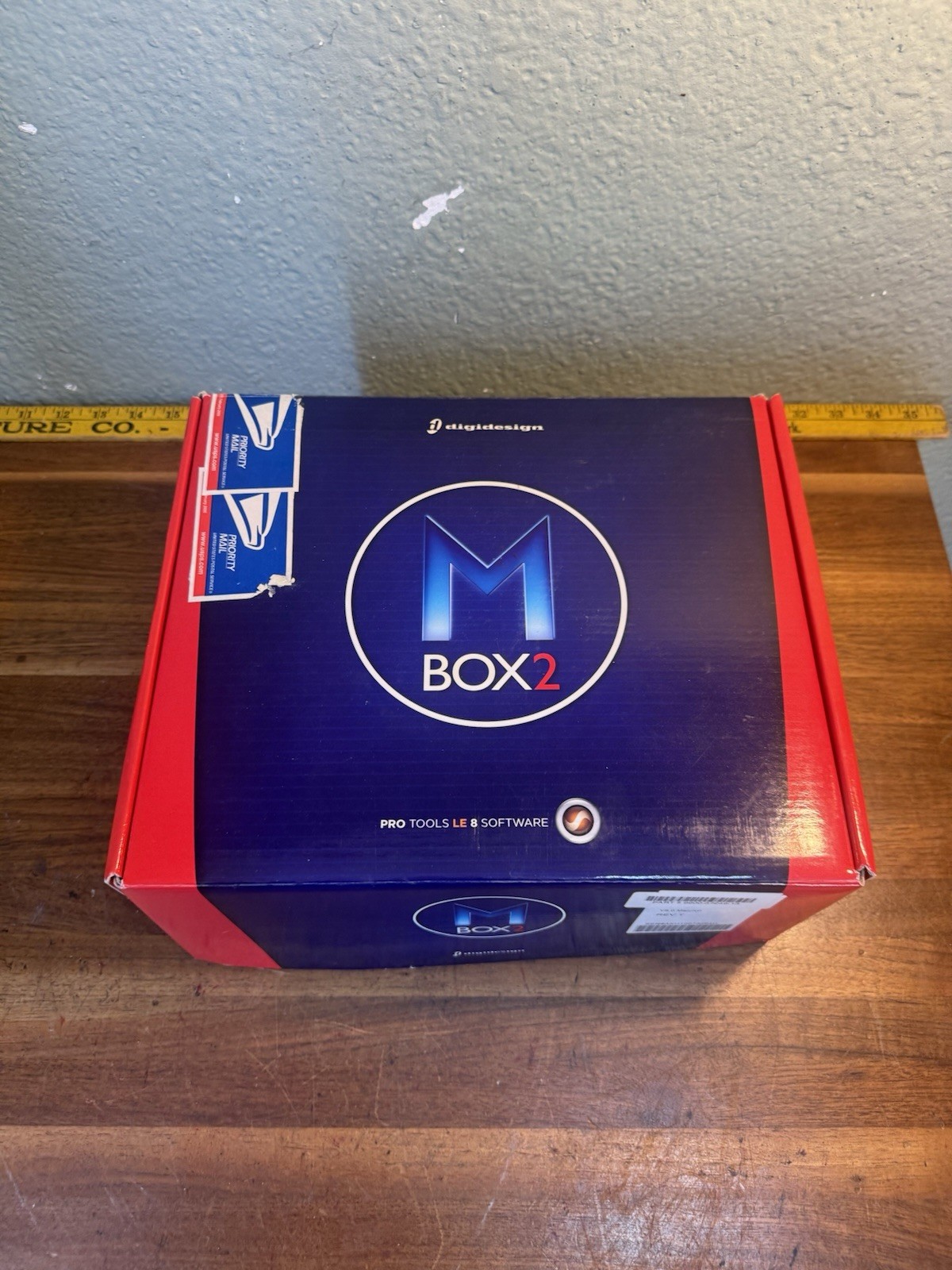 Digidesign Mbox 2 USB Audio Interface w/ Original Box & Accessories Untested$74.99View on eBay
 Depusheng MD22 Pro Sound Card Audio Interface w/ Monitoring & Guitar Input$117.75View on eBay
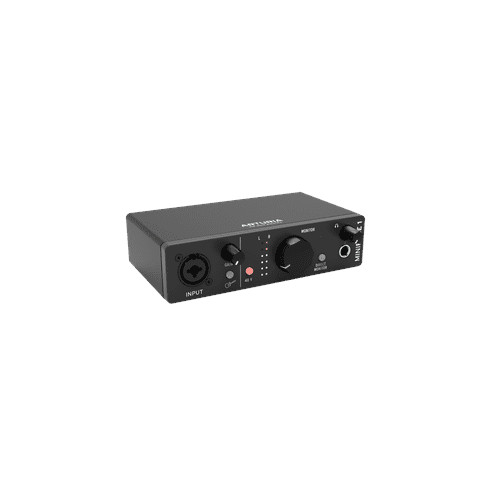 Arturia MiniFuse 1 Audio Interface Professional Studio Gear (Black)$119.00View on eBay
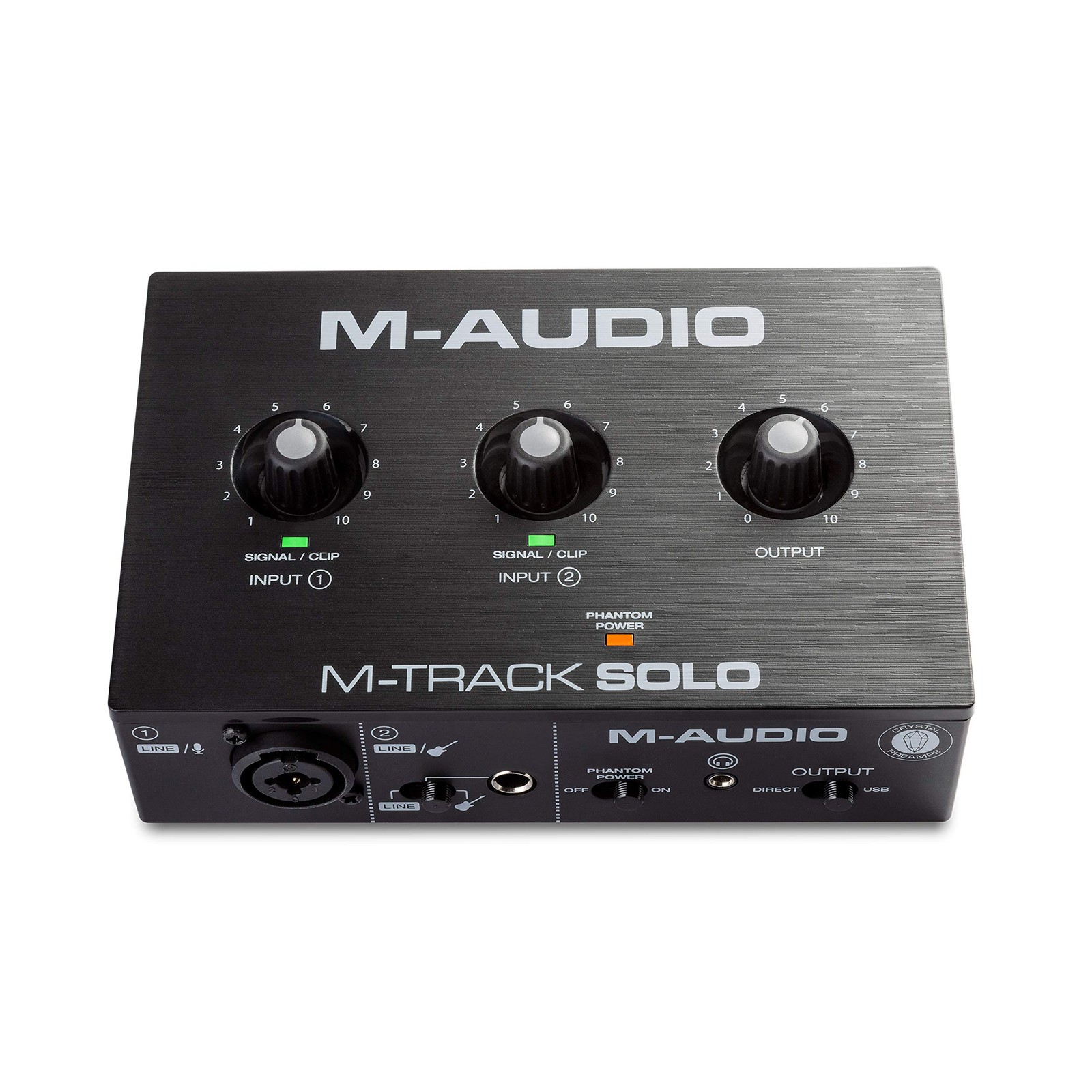 M-Audio USB audio interface with music production software M-Track Solo$133.71View on eBay
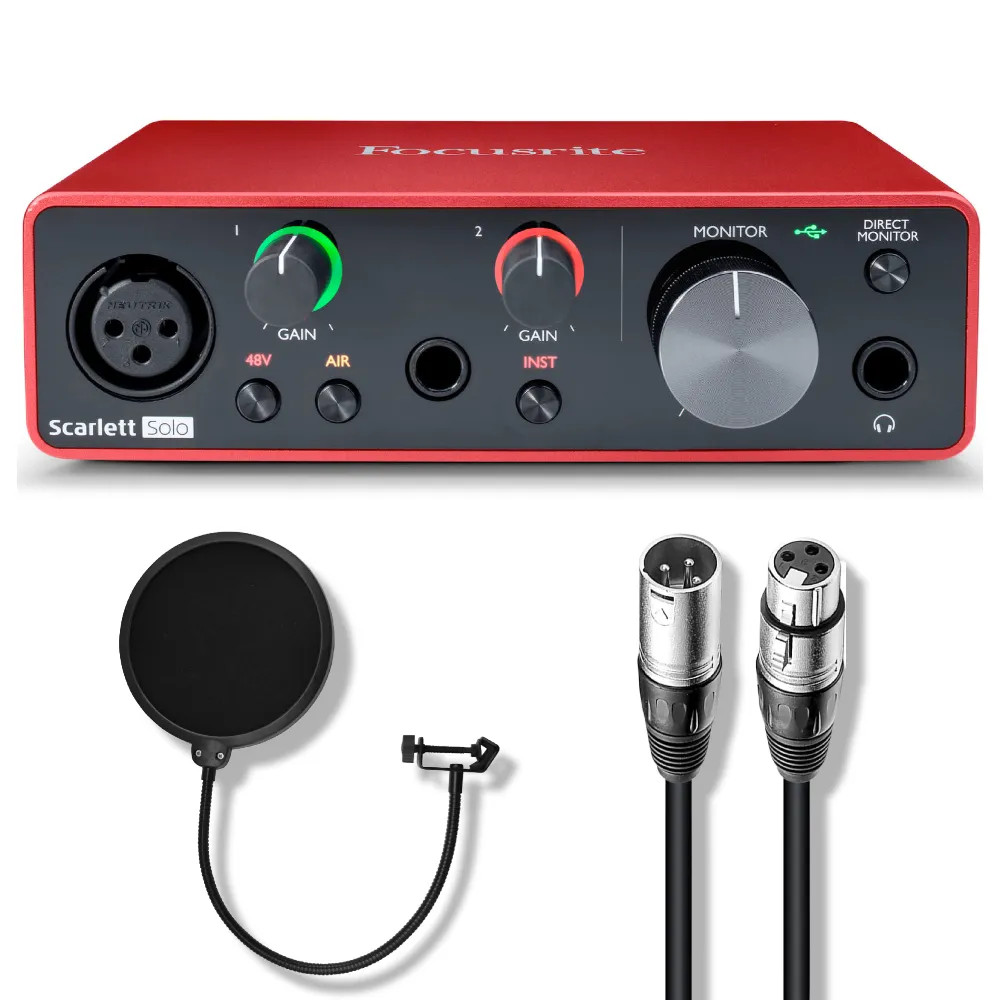 Focusrite Scarlett Solo 4th Gen USB Audio Interface Bundle with Accessories$184.99View on eBay
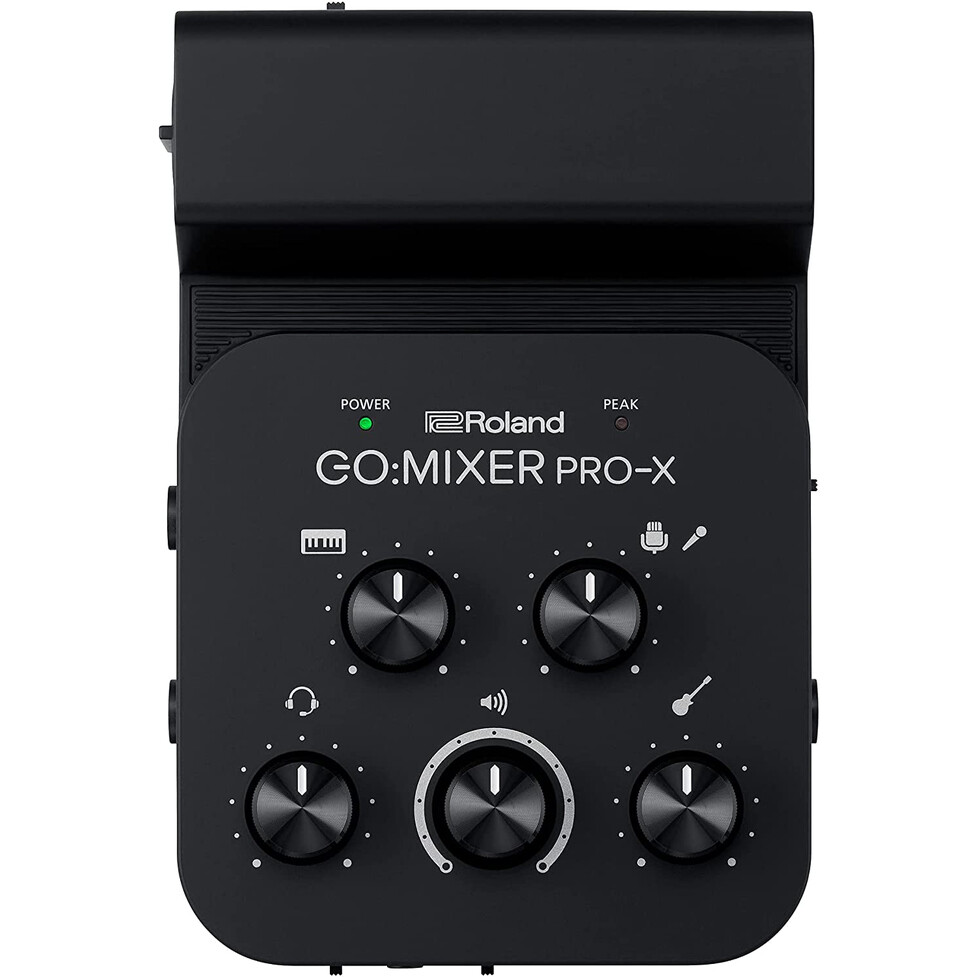 Roland GO:MIXER PRO-X Portable Audio Compact Mixer Broadcast Audio Interface$185.46View on eBay
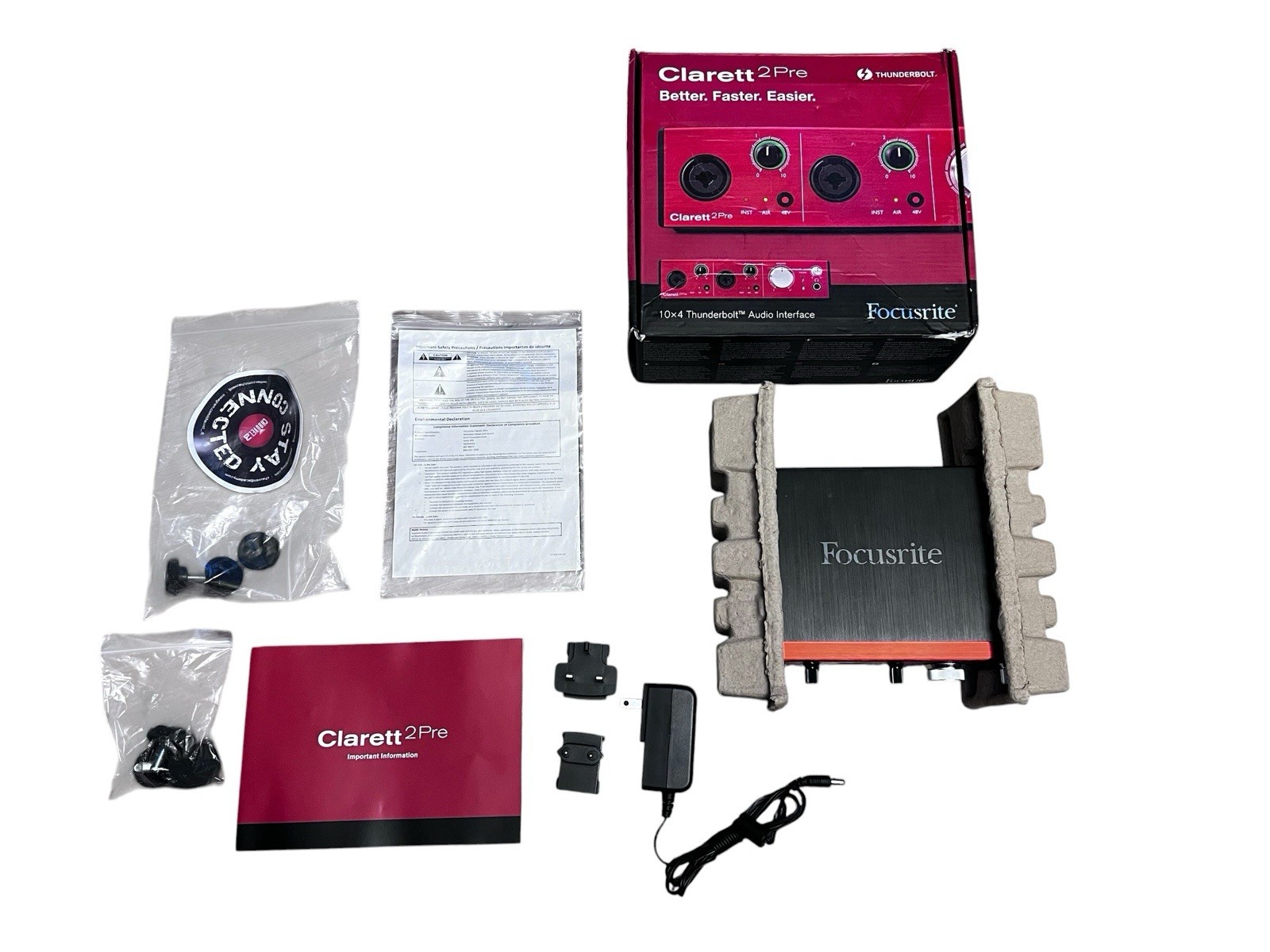 Focusrite Clarett 2Pre Thunderbolt Audio Interface 10x4 Mic Used Tested Working$198.97View on eBay
 Arturia MiniFuse 2 USB-C Audio Interface - Champagne$199.00View on eBay
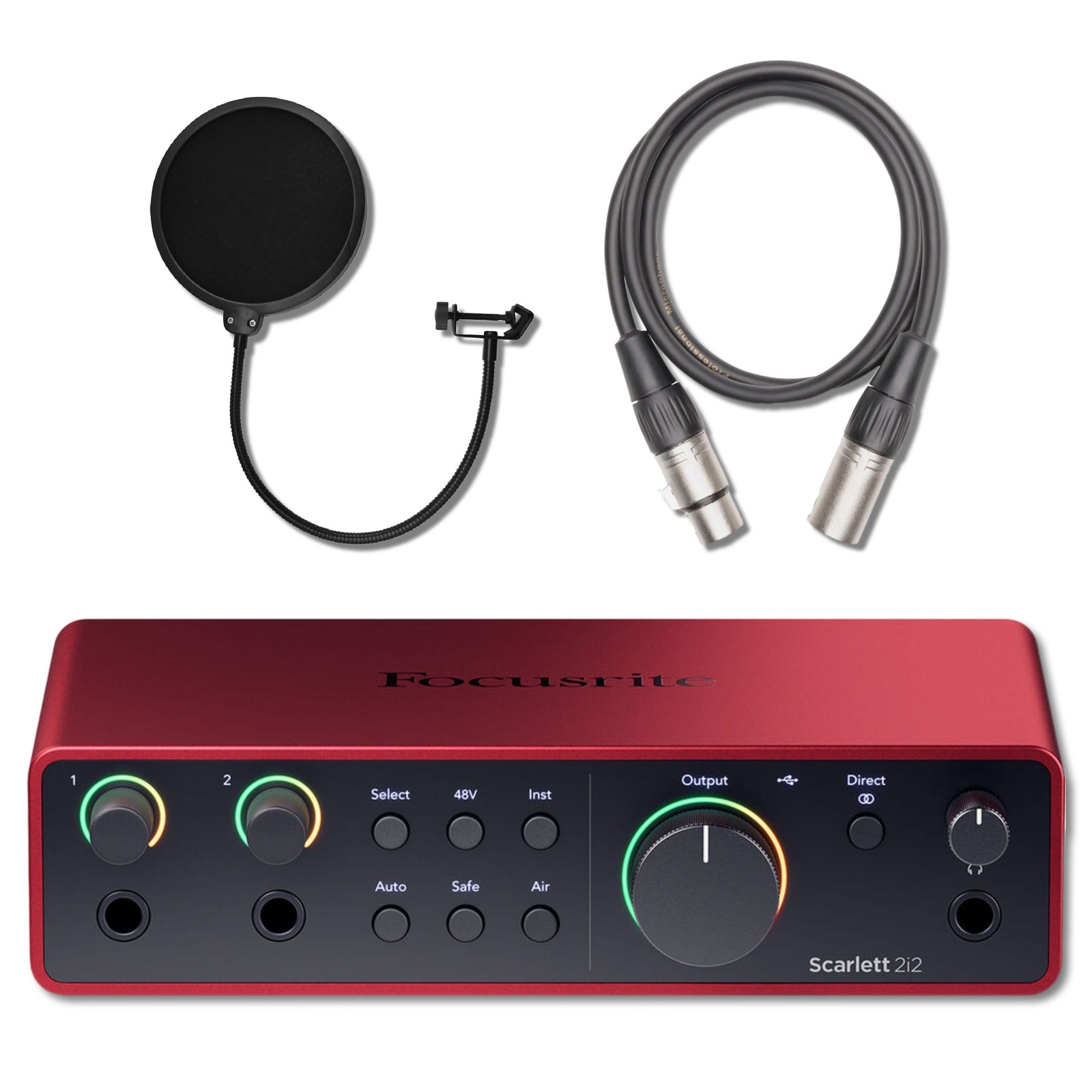 Focusrite Scarlett 2i2 4th Gen USB Audio Interface with Pop Filter and 3' XLR$239.99Last checked Nov 14, 2026View on eBay
 YAMAHA AG 06 MK2 W 6ch Live Streaming Mixer White Audio interface Music Gear Pro$247.95Last checked Nov 14, 2026View on eBay
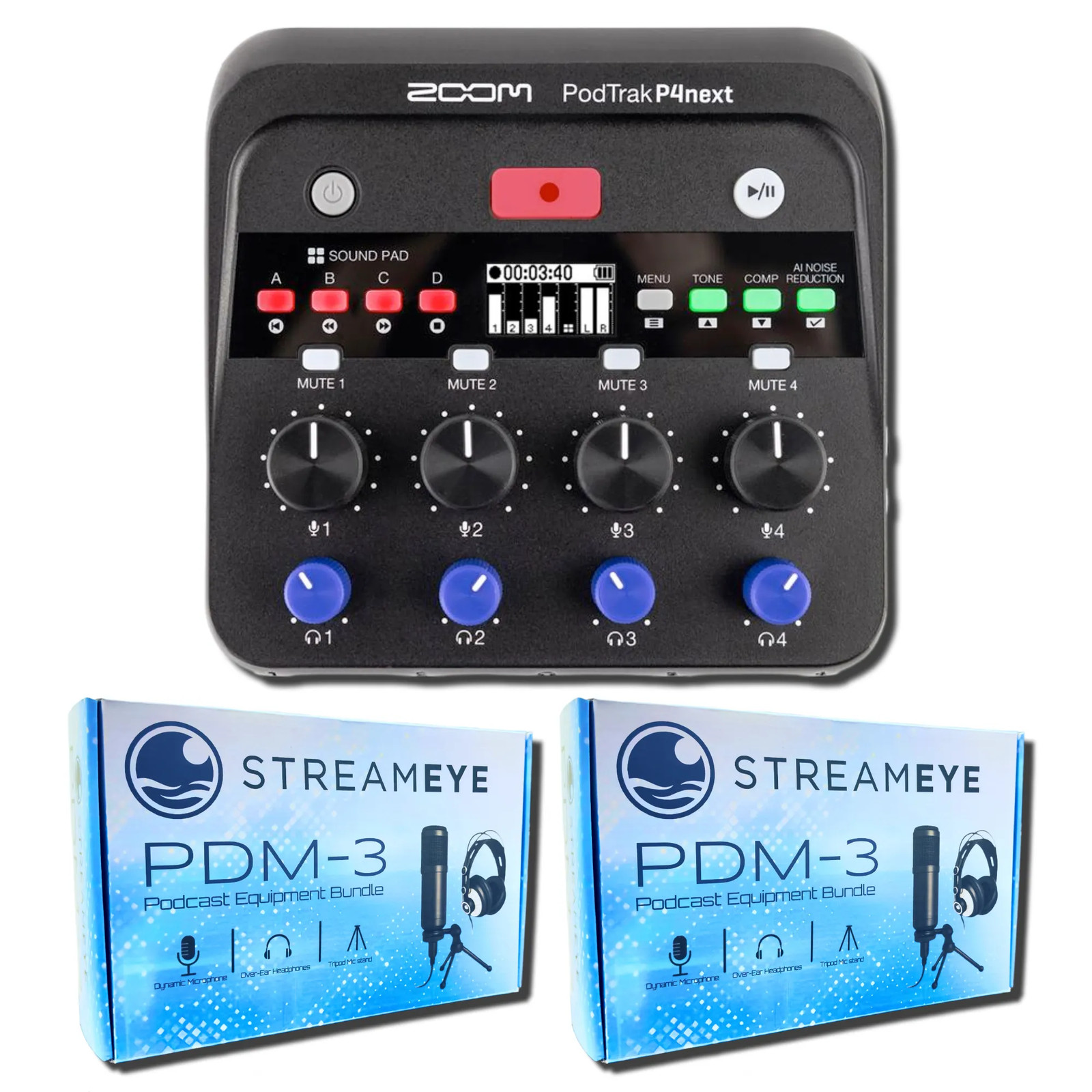 Zoom PodTrak P4next Audio Interface with 2x StreamEye PDM-3 Podcast Bundle$339.97Last checked Nov 14, 2026View on eBay
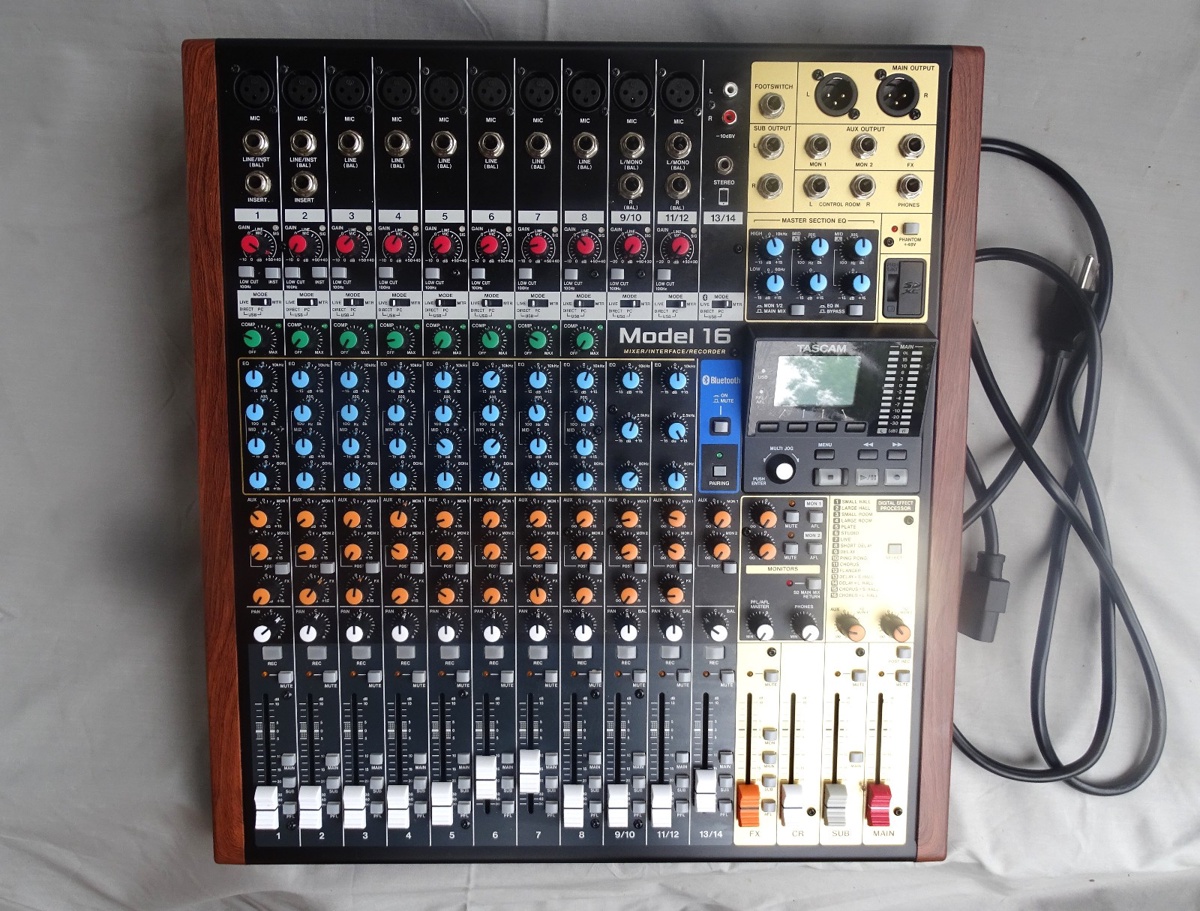 TASCAM Model 16 Multitrack Mixing Recorder USB Audio Interface$700.00View on eBay
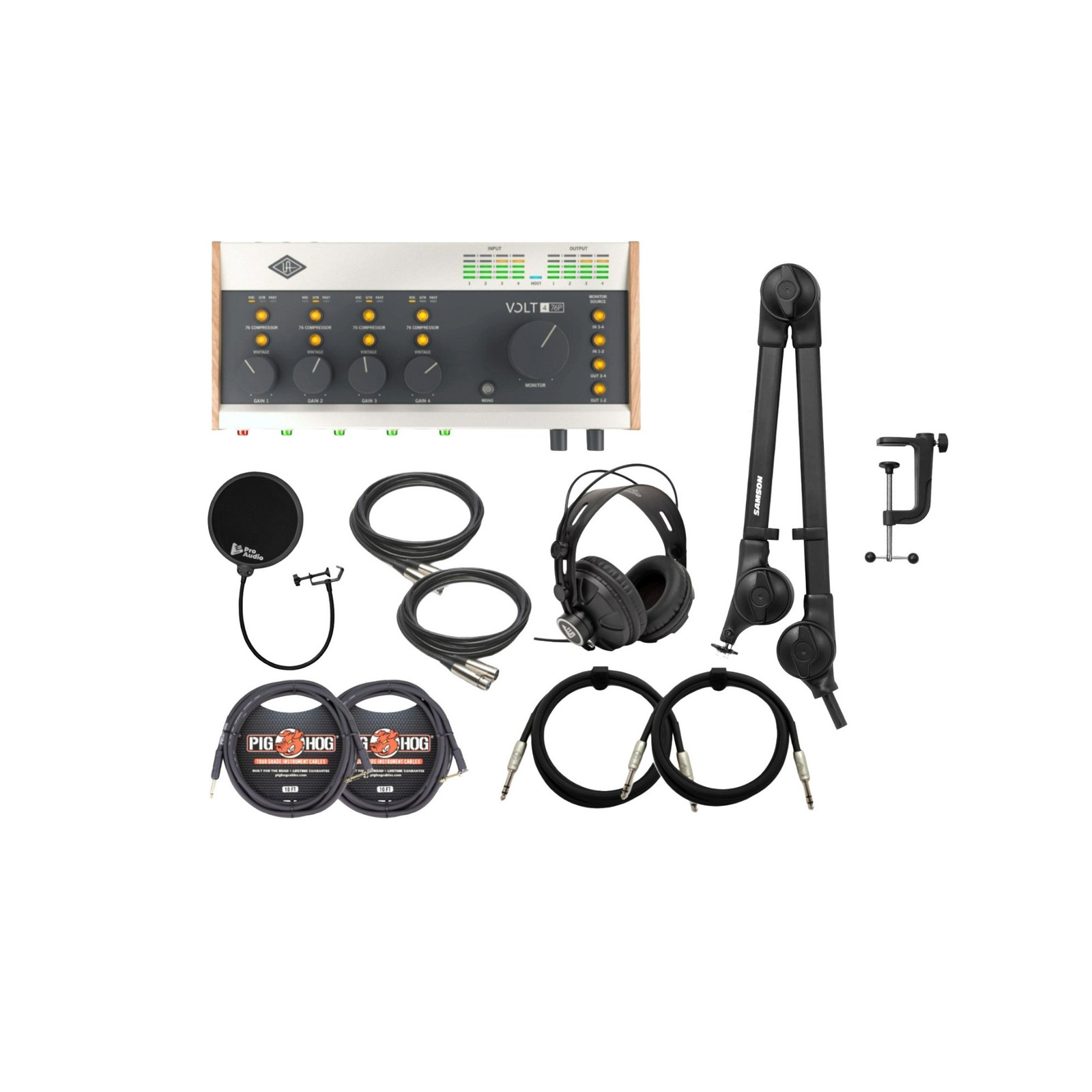 Universal Audio VOLT-476P USB Audio Interface with Headphones, and Accessories$709.99View on eBay
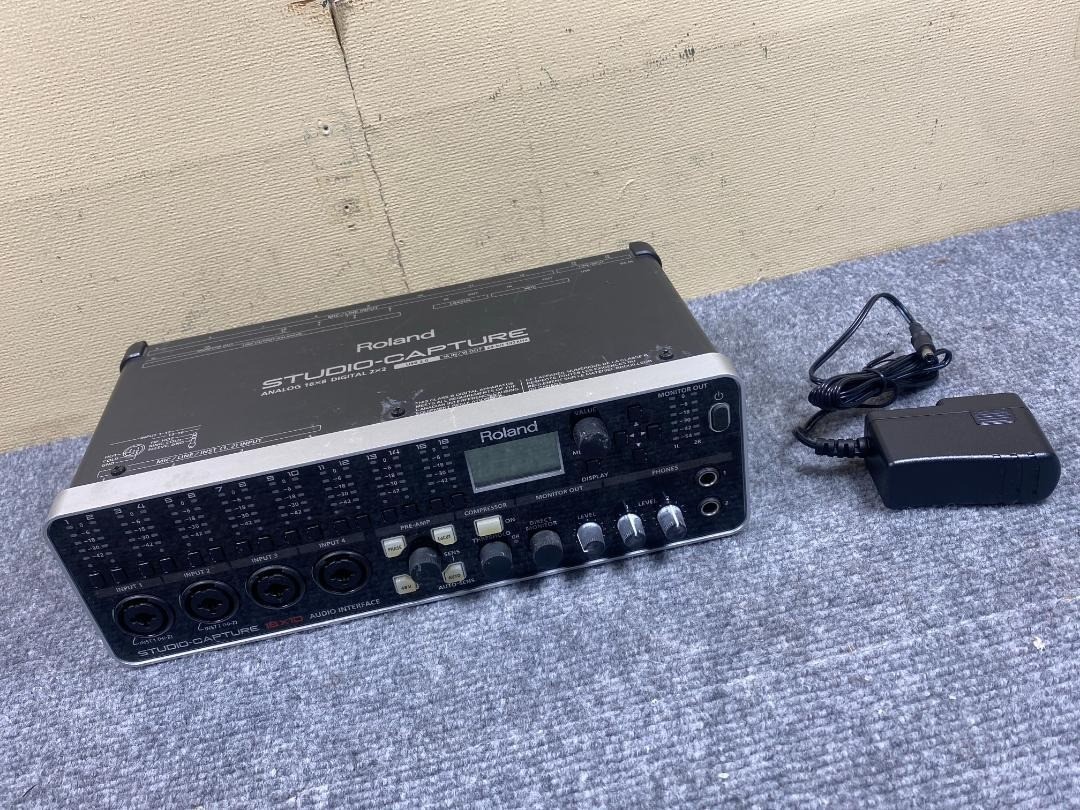 Roland UA-1610 Studio Capture USB 2.0 Audio Interface Black Sound Music Gear Pro$1,092.50Last checked Nov 14, 2026View on eBay
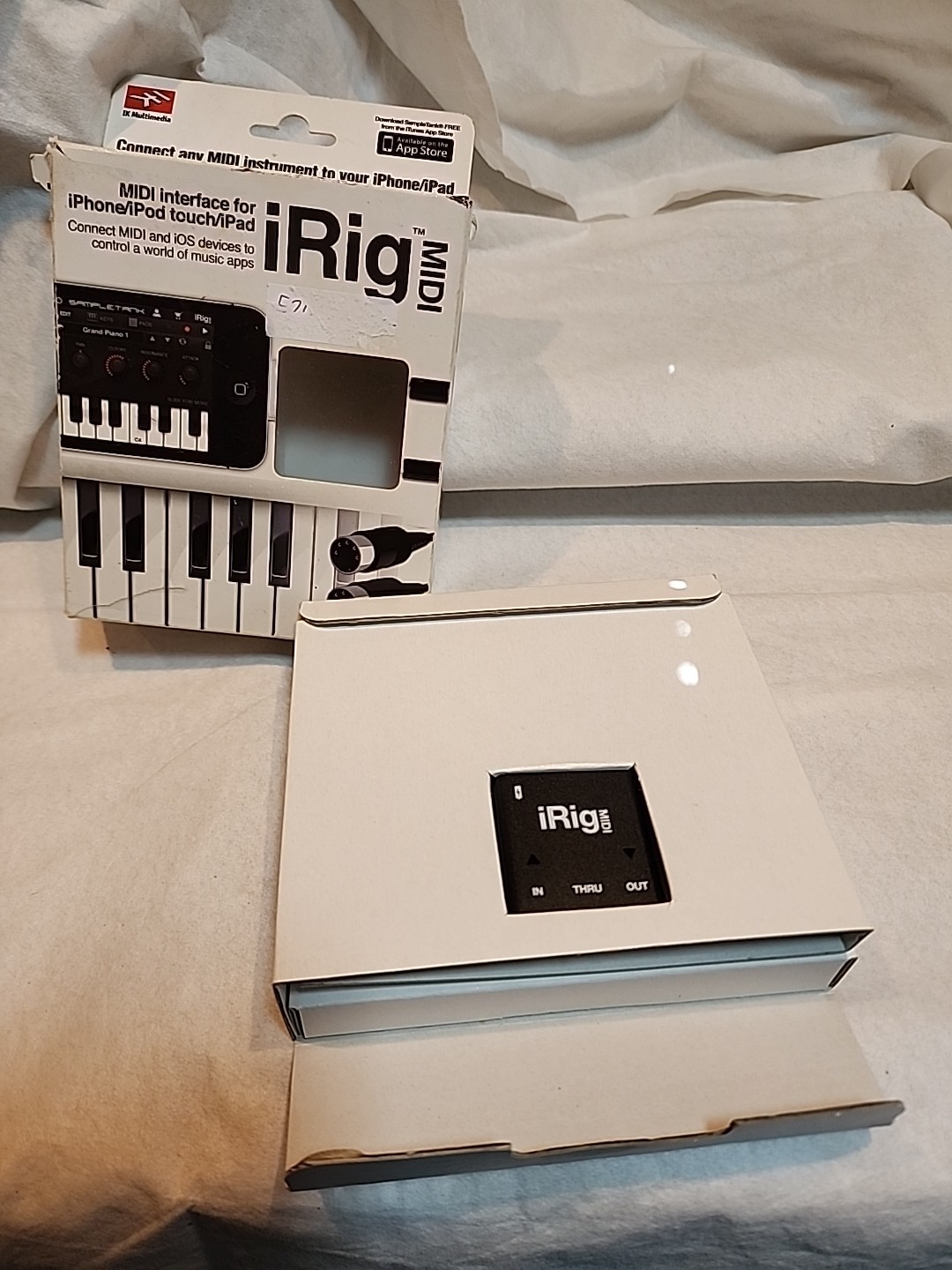 iRig MIDI Interface for iPhone iPod touch iPad Pro Audio | Piano Synth Keyboard$24.99View on eBay
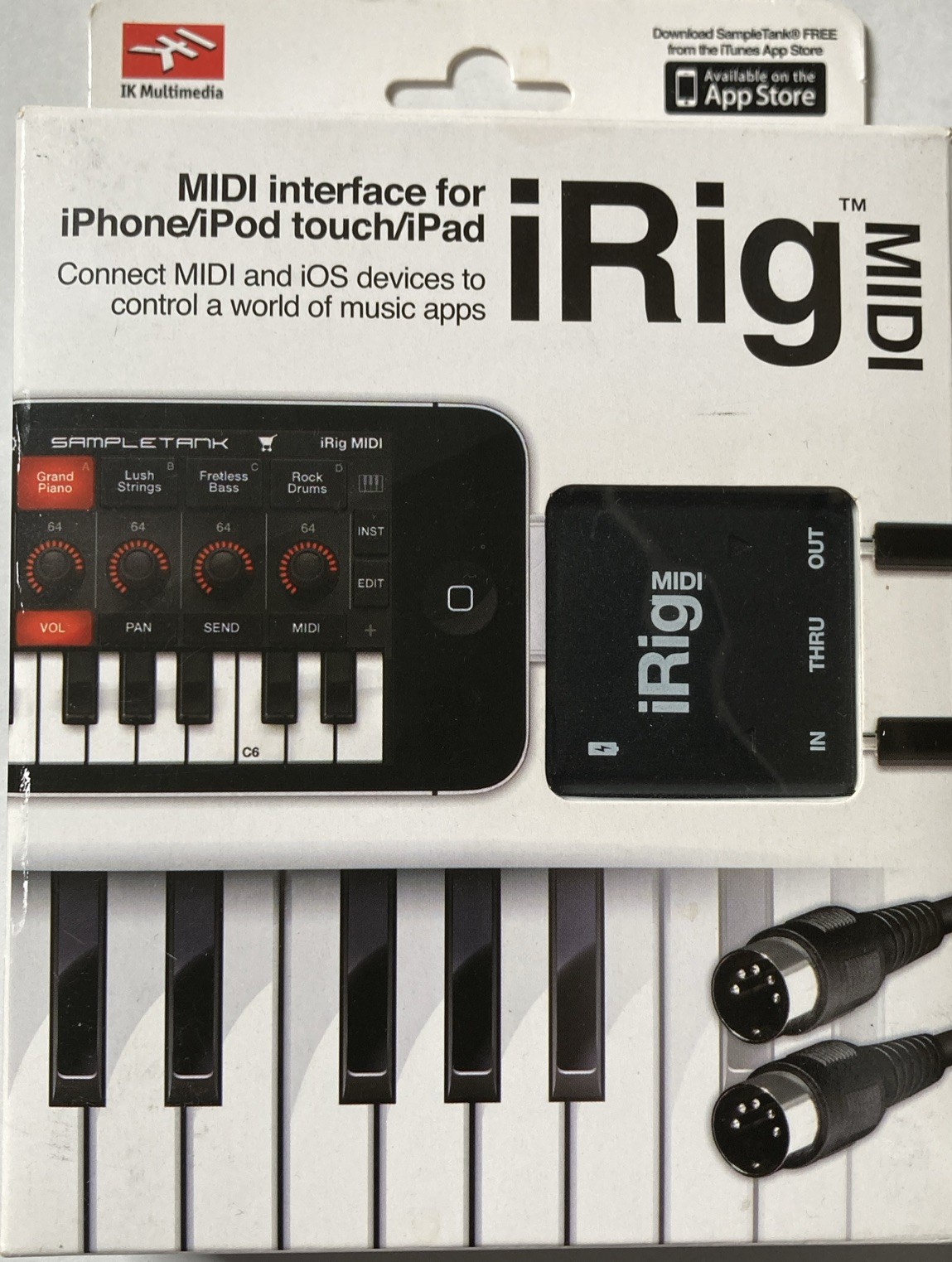 iRig MIDI Interface for iPhone iPod touch iPad Pro Audio | Piano Synth Keyboard$40.00View on eBay
Highlights
- Bus-powered USB-C interfaces draw under 500 mA and deliver 48 V phantom power; USB-A bus power may sag below 4.5 V on older ports, causing mic dropouts.
- Scarlett Solo 4th Gen uses a single combo XLR/jack plus one instrument input, whereas 2i2-class units add a second combo jack for stereo tracking.
- Entry interfaces like M-Track Solo and MiniFuse 1 run 24-bit/48-192 kHz converters but differ in preamp gain: MiniFuse 1 provides +65 dB, enough for dynamic mics.
- Metal chassis with isolated XLR connectors rejects RF noise; plastic-shell budget interfaces often share a single ground plane and hum with grounded laptops.
Best use cases
- Solo podcaster or singer-songwriter: pick a 1-in/2-out bus-powered interface with 48 V phantom and a dedicated instrument DI — skip multi-channel units you will never expand.
- Two-person podcast or acoustic duo: choose a 2-in/2-out interface with two combo jacks and per-channel gain knobs; avoid single-XLR models that force a mixer.
- Bedroom producer with hardware synths: select an interface with MIDI I/O and at least 2 line inputs; skip USB microphones that lock you out of future XLR upgrades.
Buying tips
- Match input count to simultaneous sources: one mic plus guitar needs 2 combo inputs; two mics plus stereo keys needs 4. Count every source you record at once, then buy one input more.
- For dynamic mics like the SM7B, require at least +60 dB preamp gain or add an inline booster; condenser mics need clean 48 V phantom with low self-noise.
- Confirm driver architecture: Windows buyers need native ASIO drivers for sub-10 ms round-trip latency; Mac users get class-compliant Core Audio but lose loopback on some budget models.
- Choose USB-C bus power for portability; if you record with condenser mics and headphones at high volume, pick a unit with a DC input or a powered hub to avoid brownouts.
Specs
| Input Channels | 1-2 combo XLR/TRS (solo) vs 4-8 |
|---|---|
| Converter Resolution | 24-bit / 48-192 kHz |
| Phantom Power | 48 V, per-channel or global |
| Connectivity | USB-C bus-powered vs USB-A / DC |
Related searches
What to check before buying
- Measure desk or rack space: most 2-channel interfaces are 160-180 mm wide and need 50 mm rear clearance for XLR cables and USB strain relief.
- Verify your computer's USB port can supply 500 mA at 5 V; bus-powered interfaces with 48 V phantom may need a powered hub on older laptops.
- Check microphone output impedance and cable type: low-impedance dynamic mics pair with balanced XLR; unbalanced 1/4-inch instrument cables belong on the DI input only.
- Confirm OS driver availability: macOS 13+ and Windows 11 require current vendor drivers for ASIO; legacy FireWire or USB 1.1 interfaces need adapters and may lack support.
FAQ
Data sources: eBay / Amazon listings and product attribute feeds Data updated Nov 15, 2026.
Some links on this page are affiliate links. If you buy after clicking one, we may earn a commission at no extra cost to you. This does not change which products appear here or their order. Affiliate disclosure.