Photos from current listings. Actual item, color, and included accessories may vary.
Audio Recorder Buying Guide
An audio recorder captures microphone or line-level signals to onboard memory or a host computer, and the core trade-off is between dedicated standalone recorders with physical controls and computer-audio interfaces that rely on your PC. Durable options use low-noise preamps, balanced I/O, and uncompressed WAV capture; compromises are single-chip USB dongles and mixer-recorders with limited track counts or no multitrack USB return.


At a glance
- Category
- Recording & Studio Gear
- Data updated
- Nov 15, 2026
Current offers
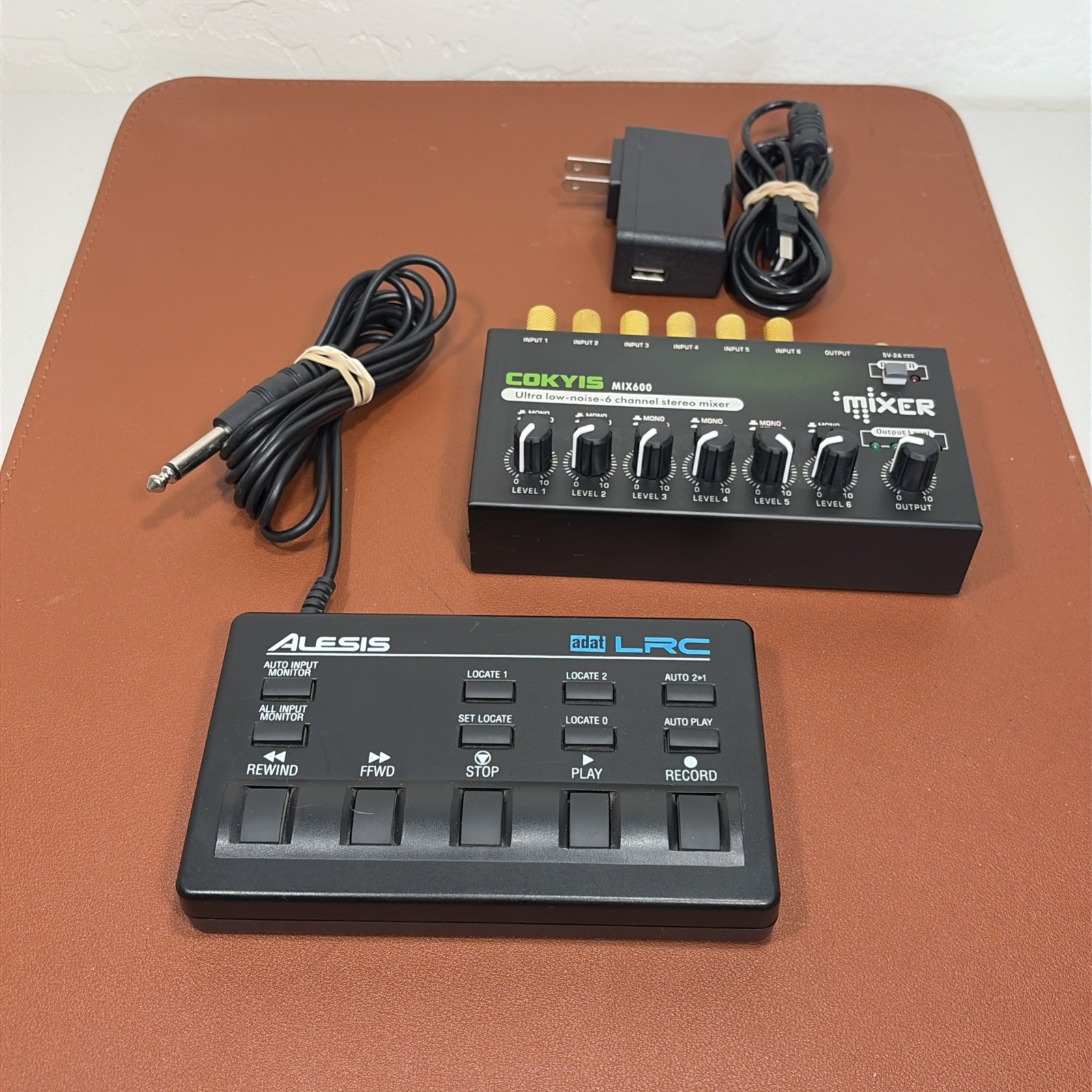 Mini Audio Mixer, 6-Channel Stereo Line Mixer & Alesis LRC Audio Recorder Wire$44.99
 View on eBay
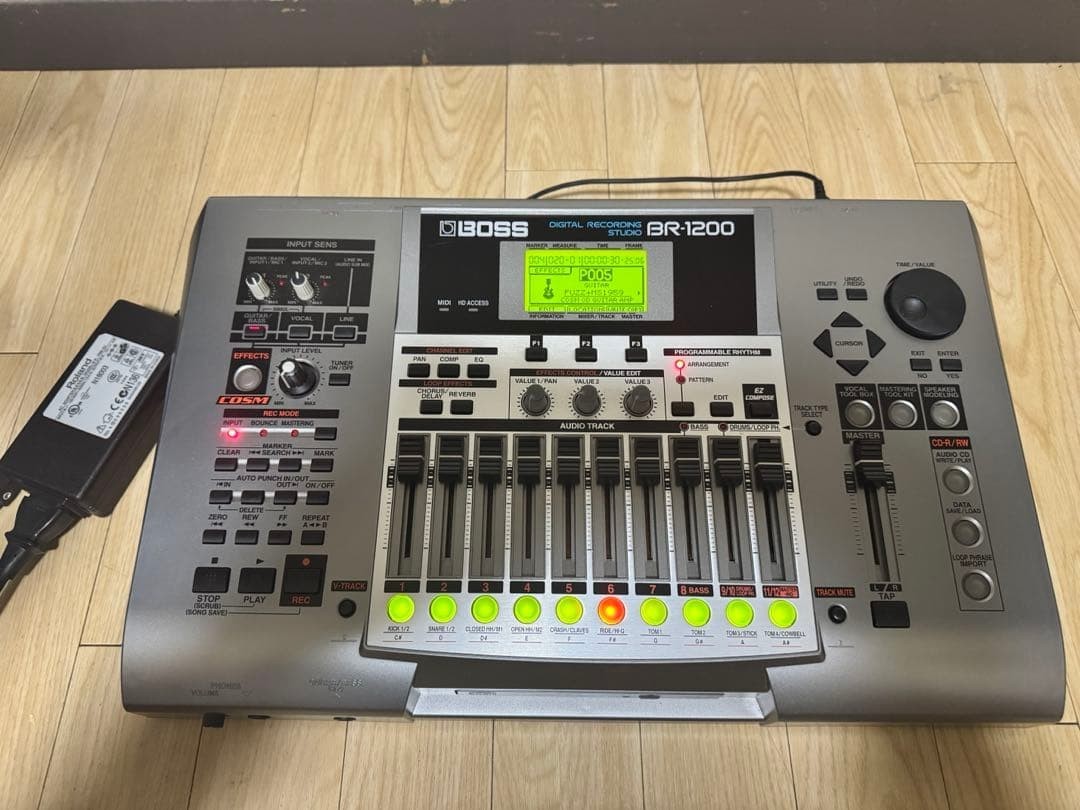 BOSS BR-1200CD Digital Recorder 80GB HDD Audio Production Tool Sound Gear Parts$370.50Last checked Nov 14, 2026View on eBay
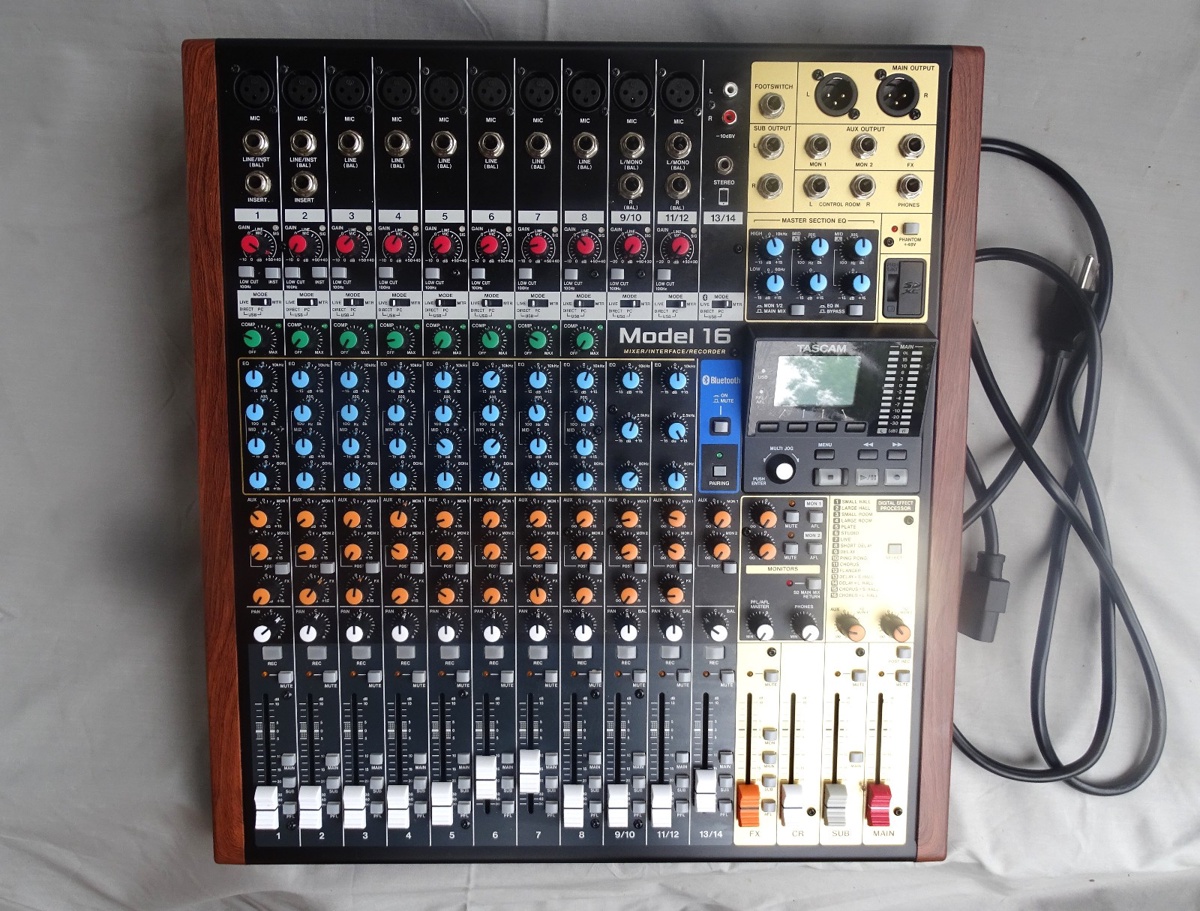 TASCAM Model 16 Multitrack Mixing Recorder USB Audio Interface$700.00View on eBay
Highlights
- Standalone recorders store to SD, HDD, or SSD and run on batteries or AC, while USB audio interfaces require a host PC and DAW software.
- Track count defines workflow: 2-track stereo recorders suit interviews and field capture, while 8-16 track units support full band multitracking.
- Preamps with balanced XLR/TRS combo jacks and phantom power (+48V) are required for condenser microphones; unbalanced 3.5mm inputs limit mic choice.
- Bit depth and sample rate determine headroom: 24-bit/96kHz WAV is the practical baseline for clean editing and mixing.
Best use cases
- Podcast or field interview: pick a 2-track handheld or compact recorder with XLR phantom power and 24-bit WAV; skip mixer-recorders with only stereo USB return.
- Full band or ensemble tracking: choose an 8-16 track standalone or USB multitrack recorder with per-channel gain and direct monitoring; skip 2-input interfaces.
- Songwriting scratchpad or rehearsal capture: a 4-8 track portable recorder with built-in mics and overdub is enough; skip computer-dependent interfaces if you need untethered capture.
- Studio integration with a DAW: use a USB audio interface or mixer-recorder with class-compliant USB audio; skip HDD-based legacy recorders that lack modern driver support.
Buying tips
- Count simultaneous inputs first: one input per performer plus spare for room mics; a 2-input unit cannot track a 4-piece band live.
- Confirm phantom power and XLR combo jacks on every mic channel; 3.5mm-only inputs cap you at consumer mics and dynamic mics with adapters.
- Check recording media: SDHC/SDXC up to 32GB/128GB or internal SSD/HDD; legacy 80GB HDD units need mechanical drive care and may lack USB audio.
- For PC recording, verify class-compliant USB audio and driver support for your OS; older FireWire or proprietary interfaces need specific legacy hardware.
Specs
| Recording Medium | SD/SDHC, SSD, HDD, or host PC |
|---|---|
| Simultaneous Inputs | 2-track stereo to 16-track multitrack |
| Mic Preamps | XLR/TRS combo, +48V phantom |
| Resolution | 24-bit/48-96kHz WAV baseline |
Related searches
What to check before buying
- Measure your recording space: a quiet room with soft furnishings reduces reflections more than any preamp upgrade.
- Confirm power: battery life for field use, or AC adapter voltage and plug type for your region.
- Verify PC connectivity: USB 2.0/3.0 port, required drivers, and DAW compatibility before buying a computer-tethered interface.
- Account for companion parts: microphones, XLR cables, headphones, SD card, and stands are not included with most recorders.
FAQ
Data sources: eBay / Amazon listings and product attribute feeds Data updated Nov 15, 2026.
Some links on this page are affiliate links. If you buy after clicking one, we may earn a commission at no extra cost to you. This does not change which products appear here or their order. Affiliate disclosure.