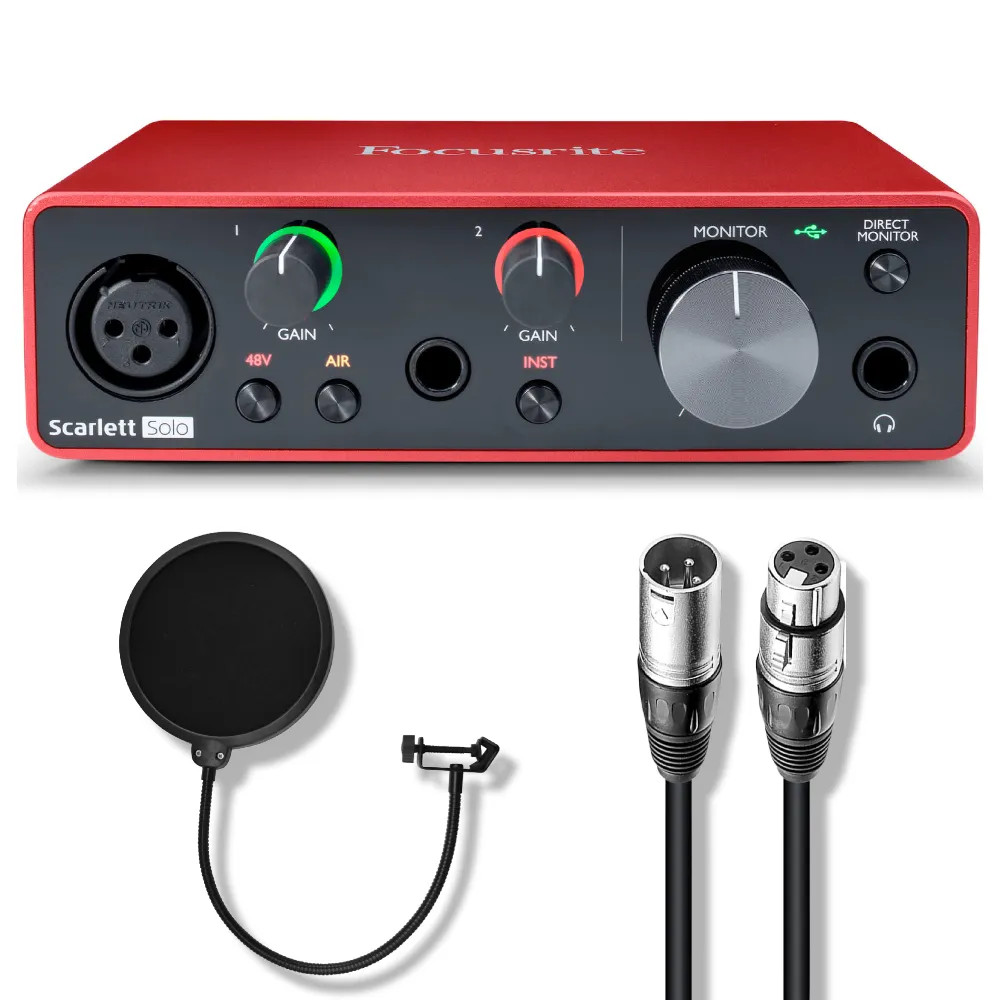

Photos from current listings. Actual item, color, and included accessories may vary.
Focusrite USB Audio Interface Buying Guide
A Focusrite USB audio interface is the central hub connecting microphones, instruments, and monitors to a computer via USB-C, and the primary trade-off is I/O count versus preamp quality and conversion headroom. The 4th Gen Scarlett line uses redesigned remote-controlled preamps with 69 dB gain and 120 dB dynamic range converters, while older generations and the Solo tier cut features to hit a lower cost. The decision rule is simple: buy a 4th Gen Scarlett with the exact input count and connectivity your sessions require, and skip bundles that pair aging generation hardware with filler accessories.


At a glance
- Category
- Recording & Studio Gear
- Data updated
- Nov 15, 2026
Current offers
Highlights
- 4th Gen Scarlett preamps deliver 69 dB of gain with Auto Gain and Clip Safe, compared to 56 dB on 3rd Gen and 46 dB on 1st Gen units.
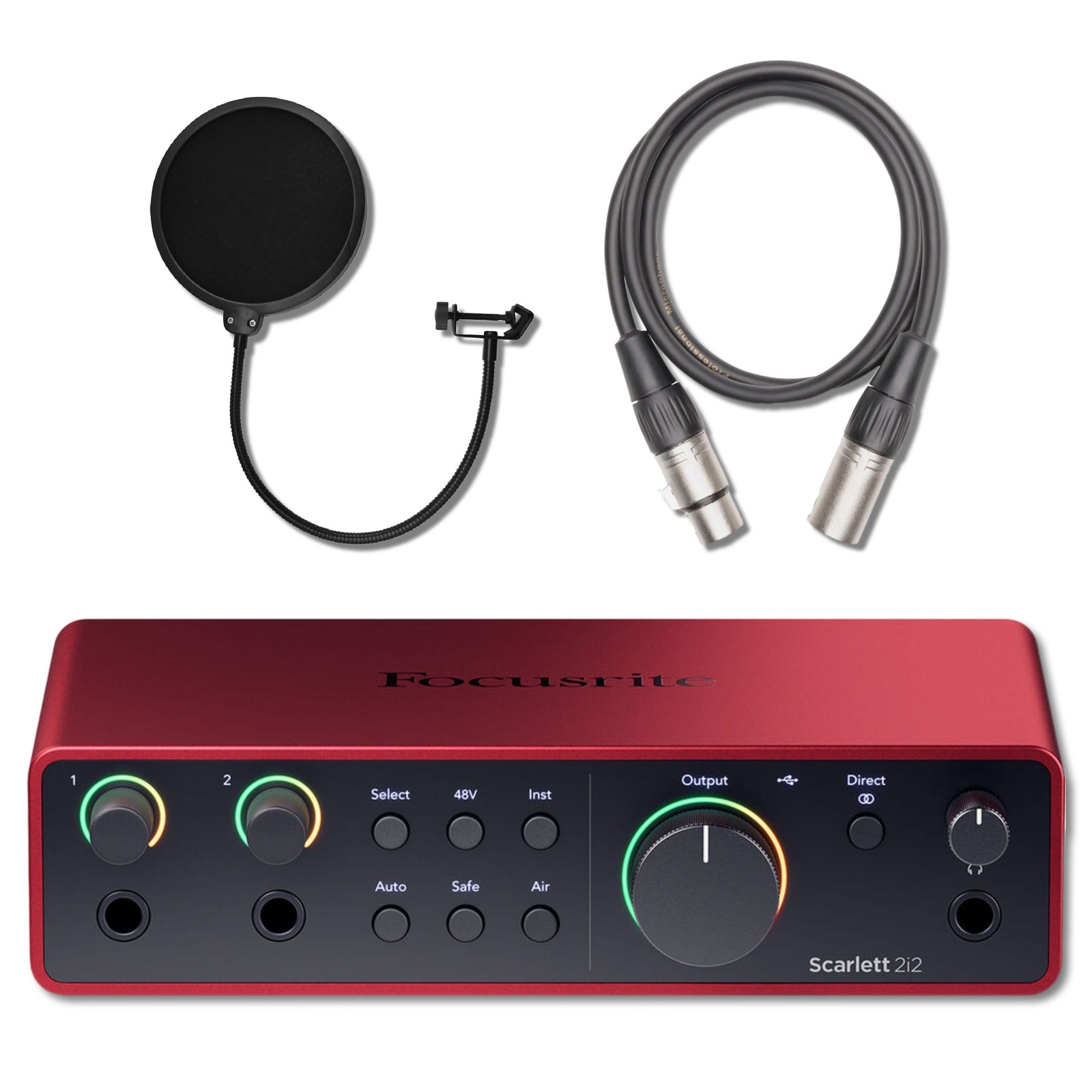
- Solo provides one XLR mic input plus one instrument input; 2i2 provides two combo XLR/TRS inputs with switchable mic/line/instrument modes.
- 4th Gen converters rate 120 dB dynamic range on outputs and 115 dB on inputs, with USB-C bus power and no external PSU required.
- All 4th Gen Scarlett models include Air mode with Presence and Harmonic Drive, plus a software bundle with Ableton Live Lite and Pro Tools Intro.
Best use cases
- Solo singer-songwriter recording one vocal mic at a time: pick the Scarlett Solo 4th Gen — one XLR input and one instrument input cover vocals and guitar simultaneously.
- Podcast or duo recording two mics or two instruments: pick the Scarlett 2i2 4th Gen — its two combo jacks accept XLR and 1/4-inch sources without a mixer.
- Multi-source tracking of drums, amps, or a full band: skip the Solo and 2i2 entirely and move to the 4i4 or 18i8 for four or more simultaneous inputs.
- Buying a bundle with a pop filter and cable: only accept it if the interface itself is a 4th Gen unit — accessories are commodity items and should not drive the decision.
Buying tips
- Match input count to simultaneous sources: one mic plus one instrument needs Solo; two mics or two lines needs 2i2; anything more needs 4i4 or higher.
- Confirm generation by the red metal chassis, USB-C port, and '4th Gen' label — 3rd Gen units use USB-C but lack Auto Gain and Clip Safe.
- Check that the interface provides 48V phantom power for condenser microphones and enough gain (69 dB on 4th Gen) for low-output dynamic mics like the SM7B.
- Prefer bus-powered USB-C interfaces for laptop and travel rigs; desktop studios with multiple condenser mics should still budget for a powered USB hub if using long cable runs.
Specs
| Preamp Gain | 69 dB (4th Gen) / 56 dB (3rd Gen) |
|---|---|
| Input Count | Solo: 1 mic + 1 inst / 2i2: 2 combo |
| Converter Dynamic Range | 120 dB out / 115 dB in (4th Gen) |
| Connectivity | USB-C bus-powered, 24-bit/192 kHz |
Related searches
What to check before buying
- Measure desk space: Scarlett Solo and 2i2 are compact half-rack units, but cables and mic stands need clearance behind and above the interface.
- Confirm your computer has an available USB-C port or a USB-A to USB-C adapter, and that your OS meets the Focusrite Control 2 requirements (Windows 10/11, macOS 11+).
- Verify your microphone connector: XLR condenser or dynamic mics need the XLR input; 1/4-inch instrument cables and TRS line sources need combo jacks.
- Check monitoring outputs: both Solo and 2i2 provide two TRS balanced outputs for studio monitors plus a front headphone jack with independent level control.
FAQ
Data sources: eBay / Amazon listings and product attribute feeds Data updated Nov 15, 2026.
Some links on this page are affiliate links. If you buy after clicking one, we may earn a commission at no extra cost to you. This does not change which products appear here or their order. Affiliate disclosure.