Photos from current listings. Actual item, color, and included accessories may vary.
Dj Deck Buying Guide
A DJ deck is the playback and mixing control surface—either a standalone media player or the combined decks and mixer of a controller—and the core trade-off is between all-in-one portability (bus-powered, 2-channel, limited I/O) and club-standard modularity (4-channel, balanced outputs, full-size pitch and jogs). The decision rule: buy a USB-bus-powered 2-deck controller only if you mix two sources and travel; step up to a 4-deck or mains-powered unit with balanced XLR outs the moment you need more channels, external gear, or a PA feed.


At a glance
- Category
- DJ Equipment
- Data updated
- Nov 16, 2026
Current offers
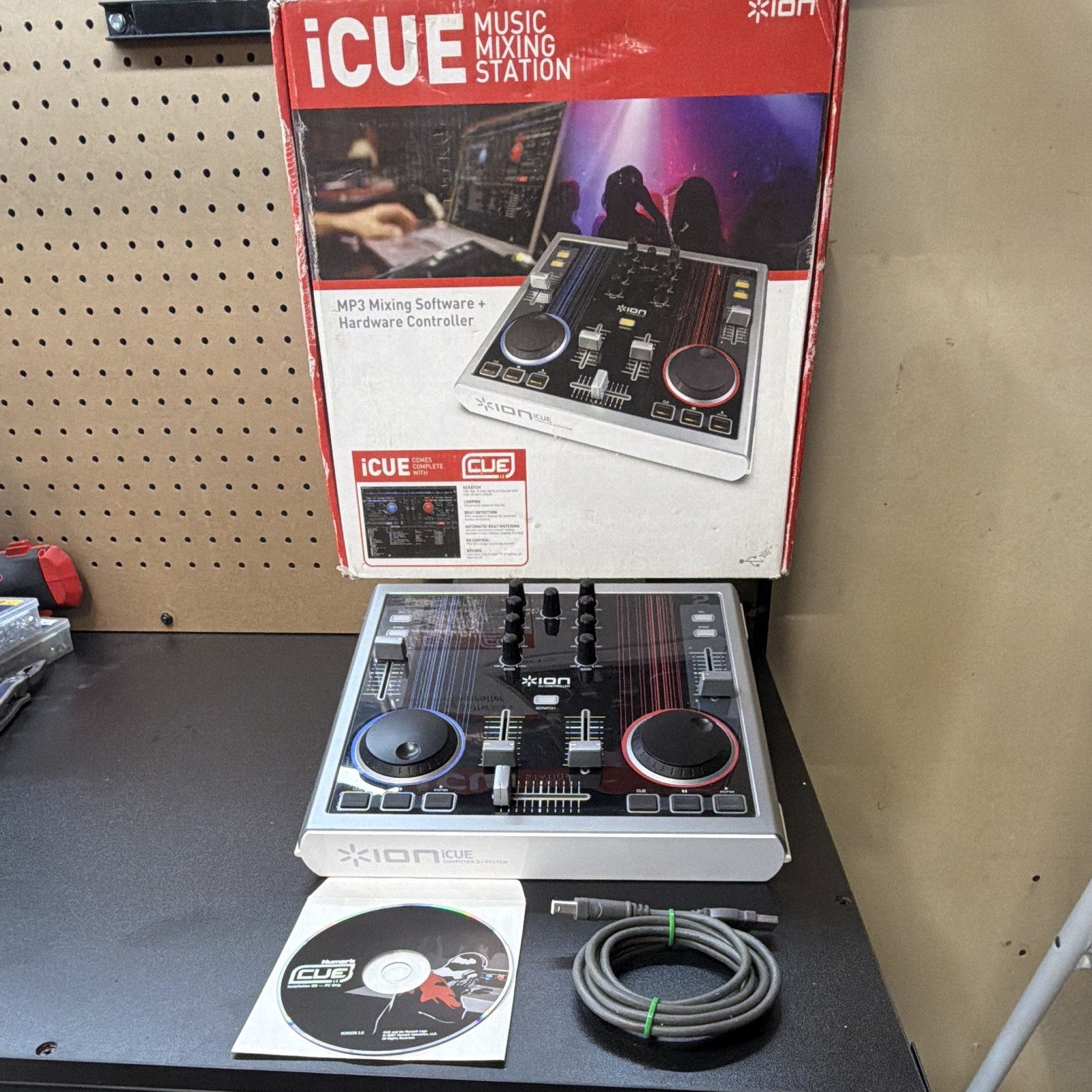 ION iCUE Music Mixing Station 2-Deck DJ Controller Mixer 3-Band EQ USB$19.99
 View on eBay
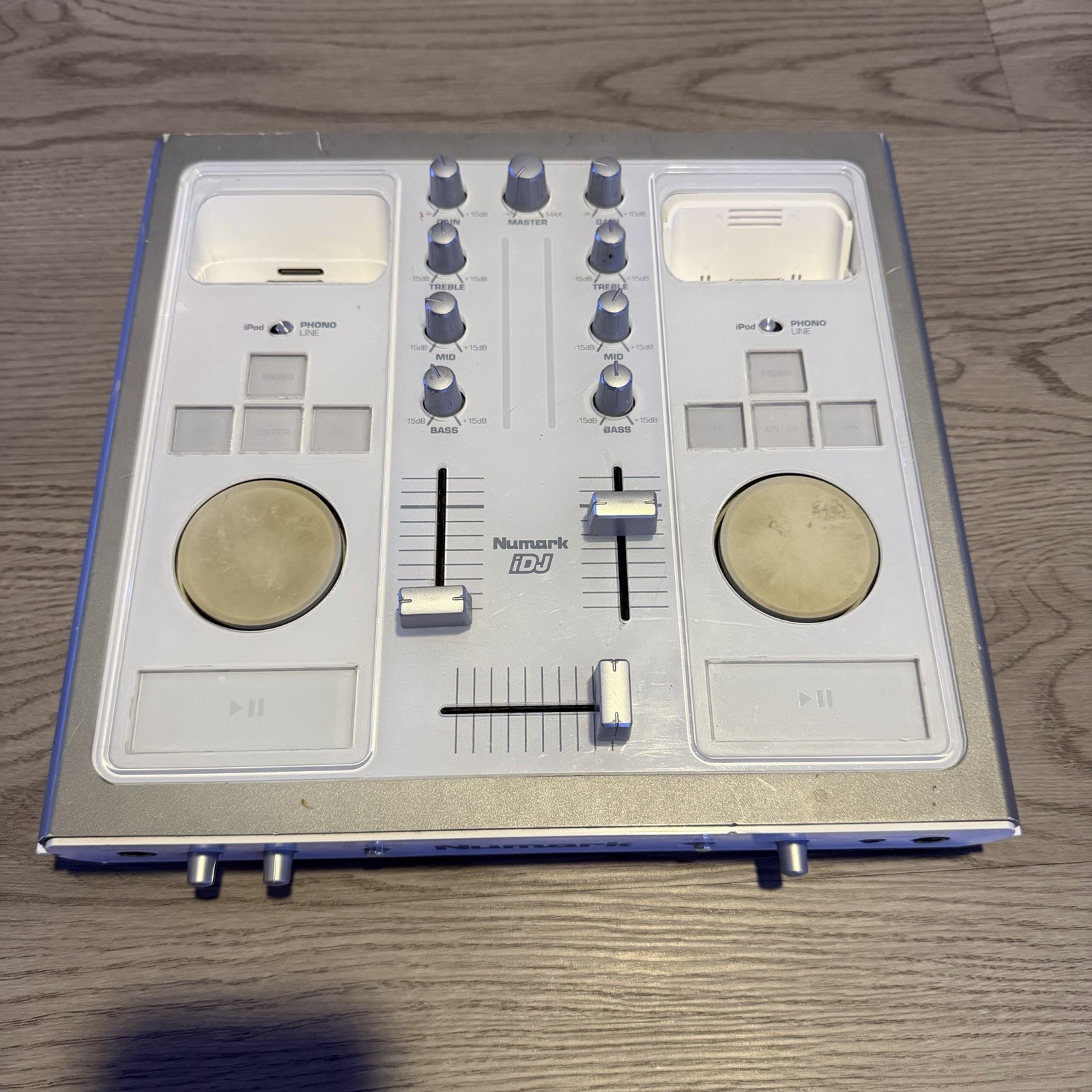 Numark iDJ Dual Deck iPod DJ Mixing Console Controller For Parts Repair AS-IS$49.92View on eBay
 Numark Party Mix Double Deck DJ Controller 2-Channel 8 Pads Pitch USB$50.00View on eBay
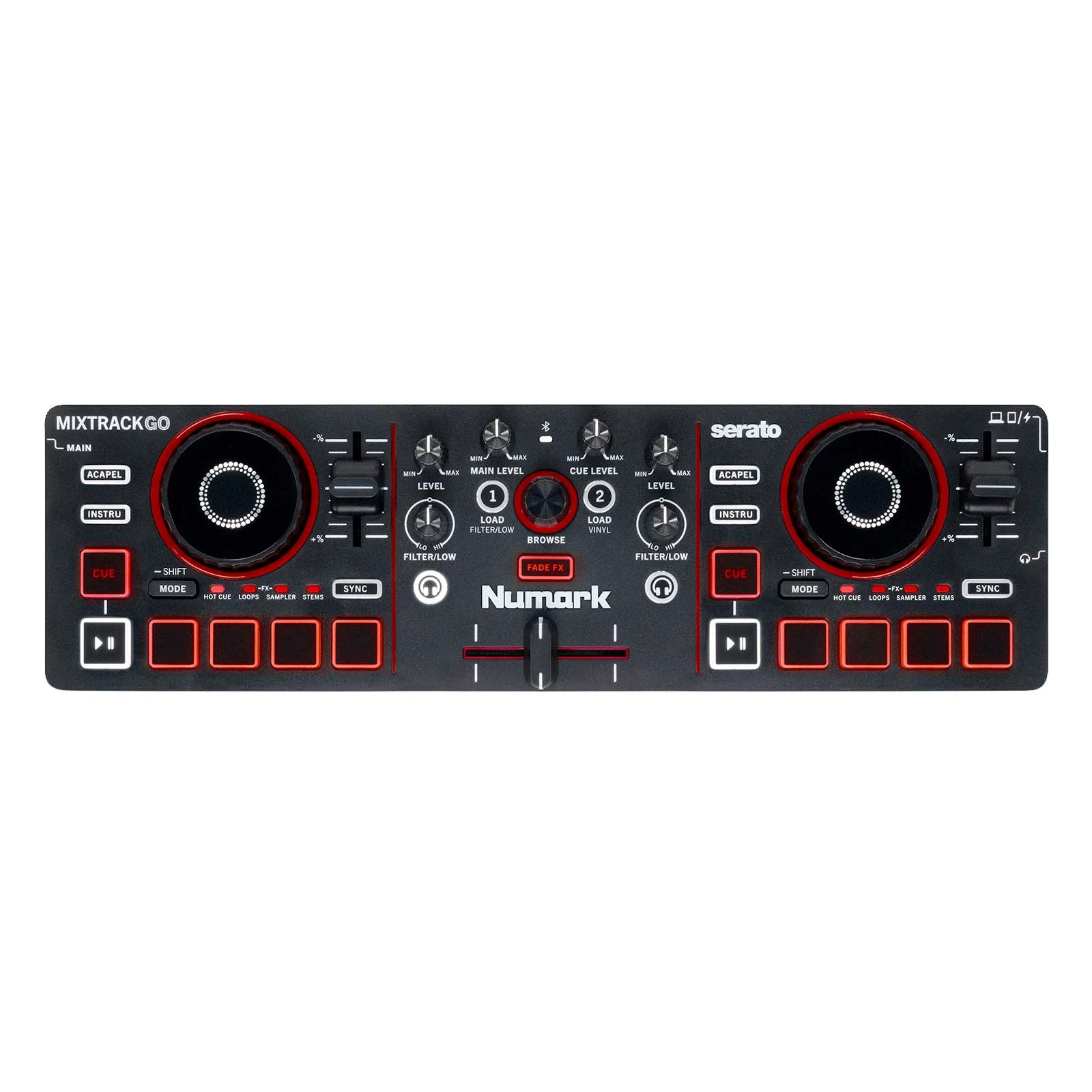 Numark MixTrack Go Ultra-Portable 2-Deck DJ Controller with Stems Control$99.00View on eBay
 Numark Mixtrack GO ULTRA-PORTABLE 2-DECK DJ CONTROLLER WITH STEMS CONTROL$99.00View on eBay
 Technical Pro DMX-B1 Double Deck DJ Controller Black Loop Replay USB XLR RCA$99.00View on eBay
 Numark Party Mix Double Deck DJ Controller, Built-In Mixer, Loop/Sampler, USB$100.00View on eBay
 Hercules DJControl Inpulse 200 MK3 DJ Controller 2 Deck USB C Mixer (Black)$119.99View on eBay
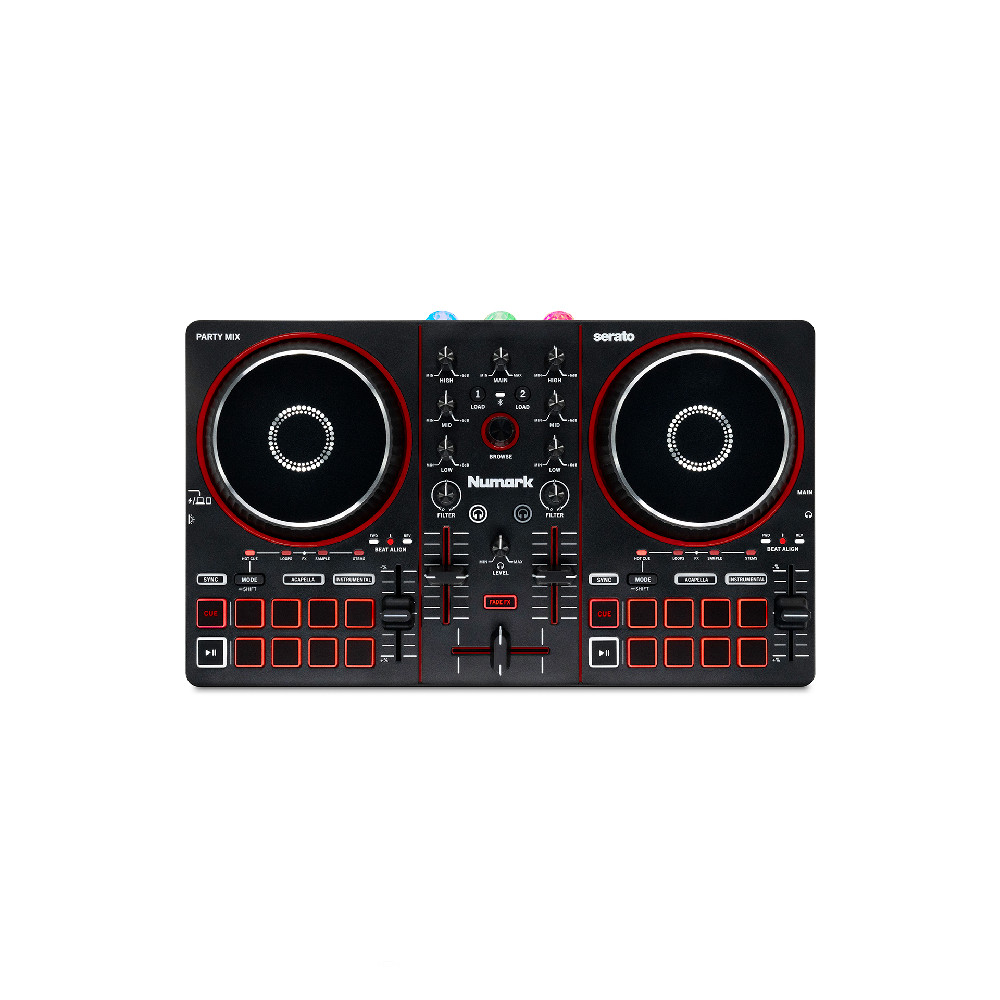 NUMARK PARTY MIX III 2-Deck DJ Controller w/Party Lights built-in$149.00View on eBay
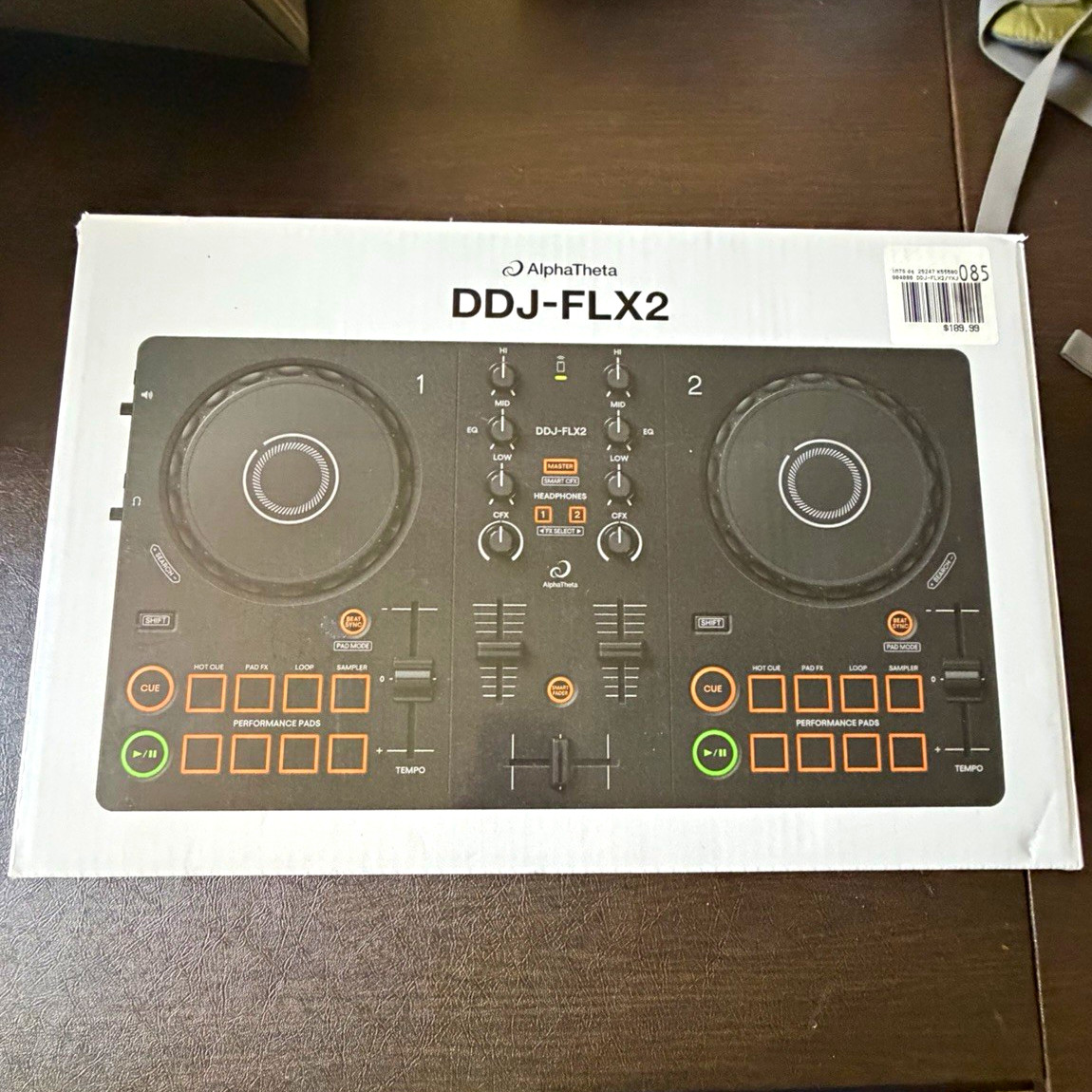 AlphaTheta DDJ-FLX2 Black 2-Deck DJ Controller Built-In Mixer Loop/Sampler$160.00View on eBay
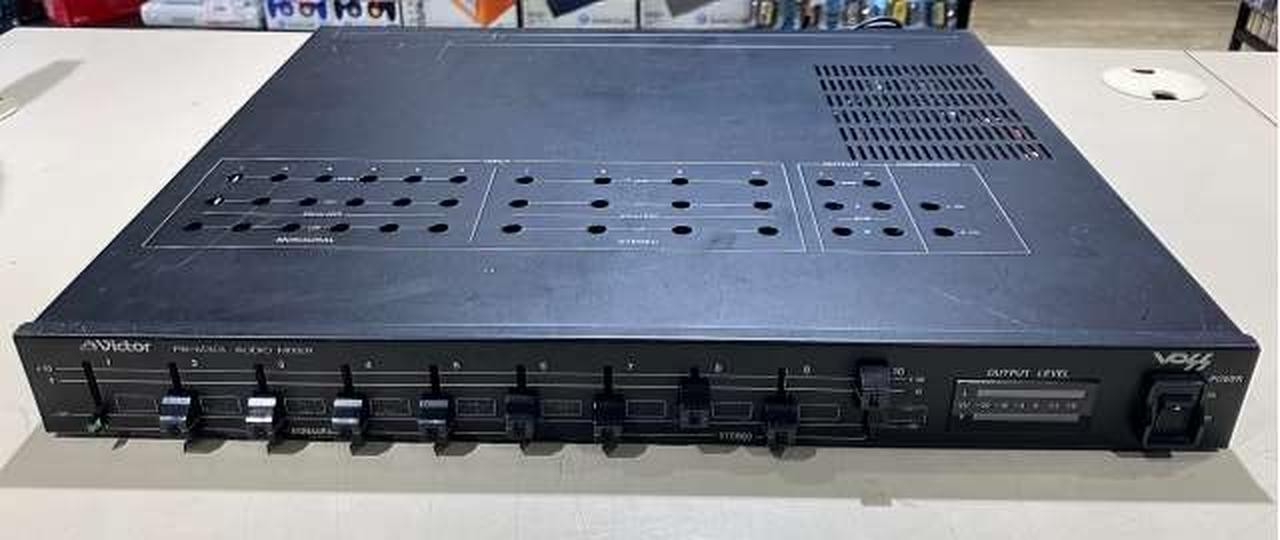 VICTOR PS-M301 DJ Mixer Professional Audio Controller Turntable Deck$161.54View on eBay
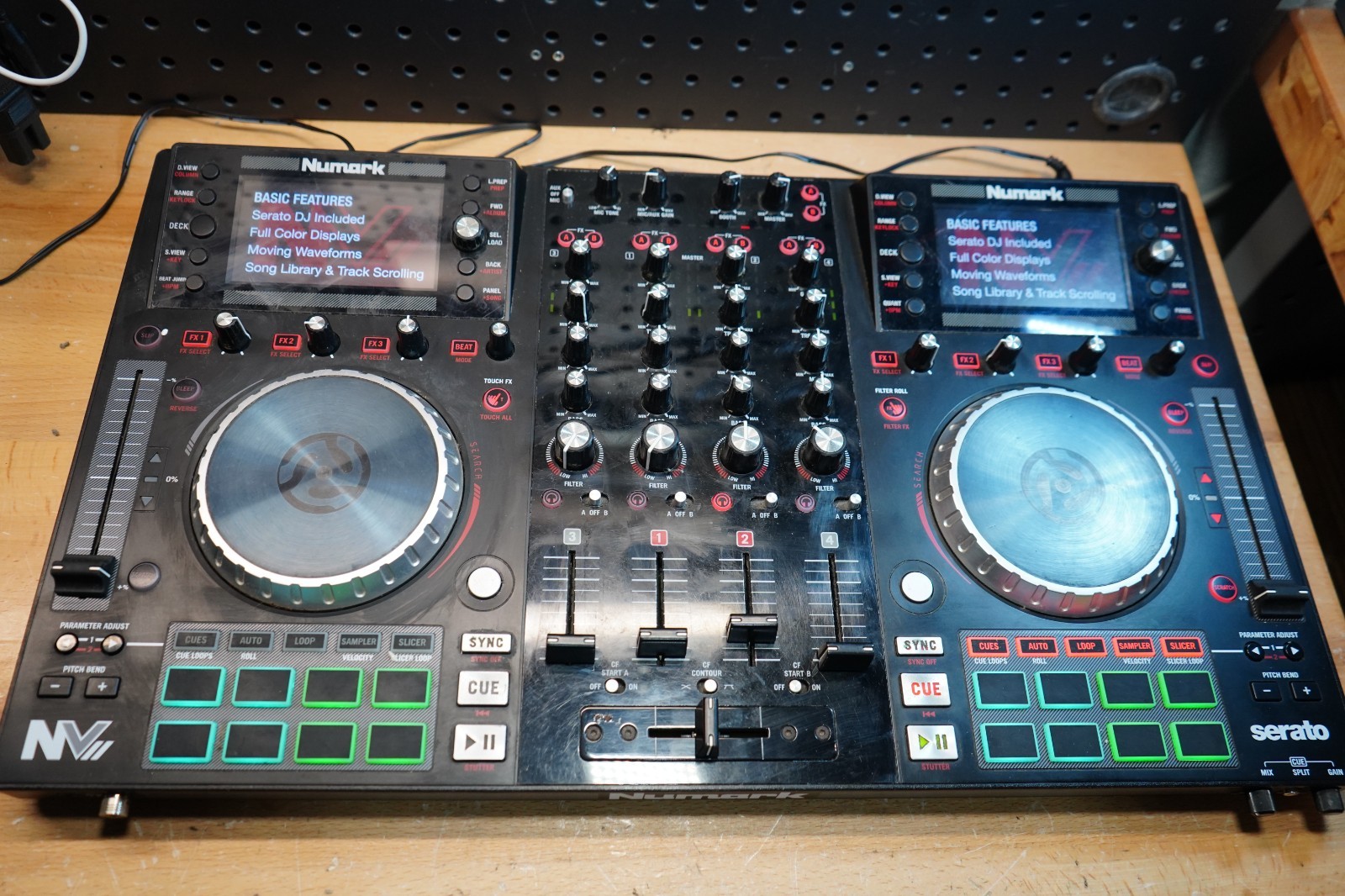 (E) Numark NV II 4-Deck Serato DJ Controller Dual Displays Controller Only$174.99View on eBay
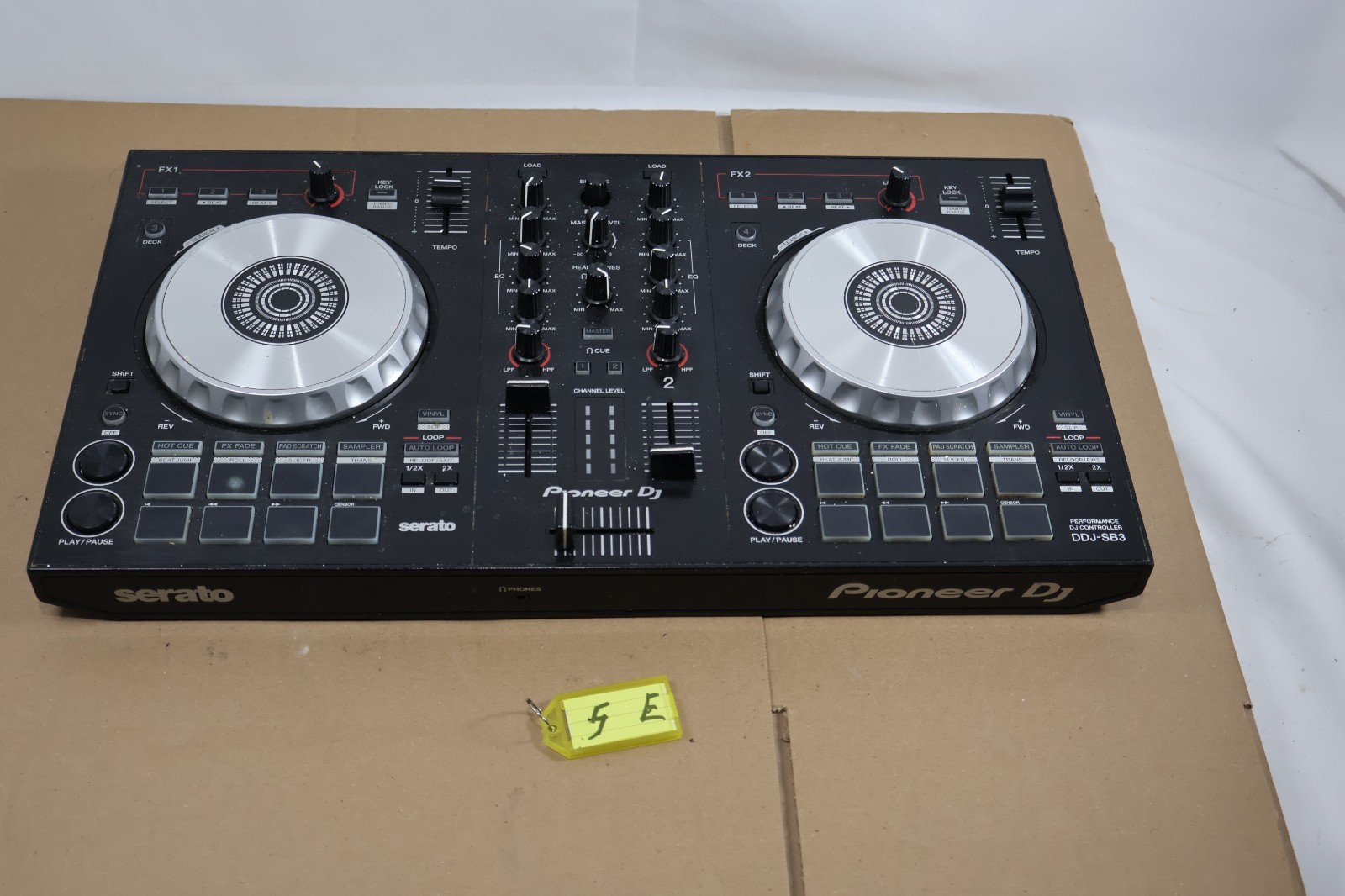 Pioneer DJ DDJ-SB3 2-Channel Dual Deck Controller$199.99View on eBay
 Pioneer DJ DDJ-FLX4 2-Channel 2-Deck Controller Built-In Mixer Beat (GP4018654)$249.99View on eBay
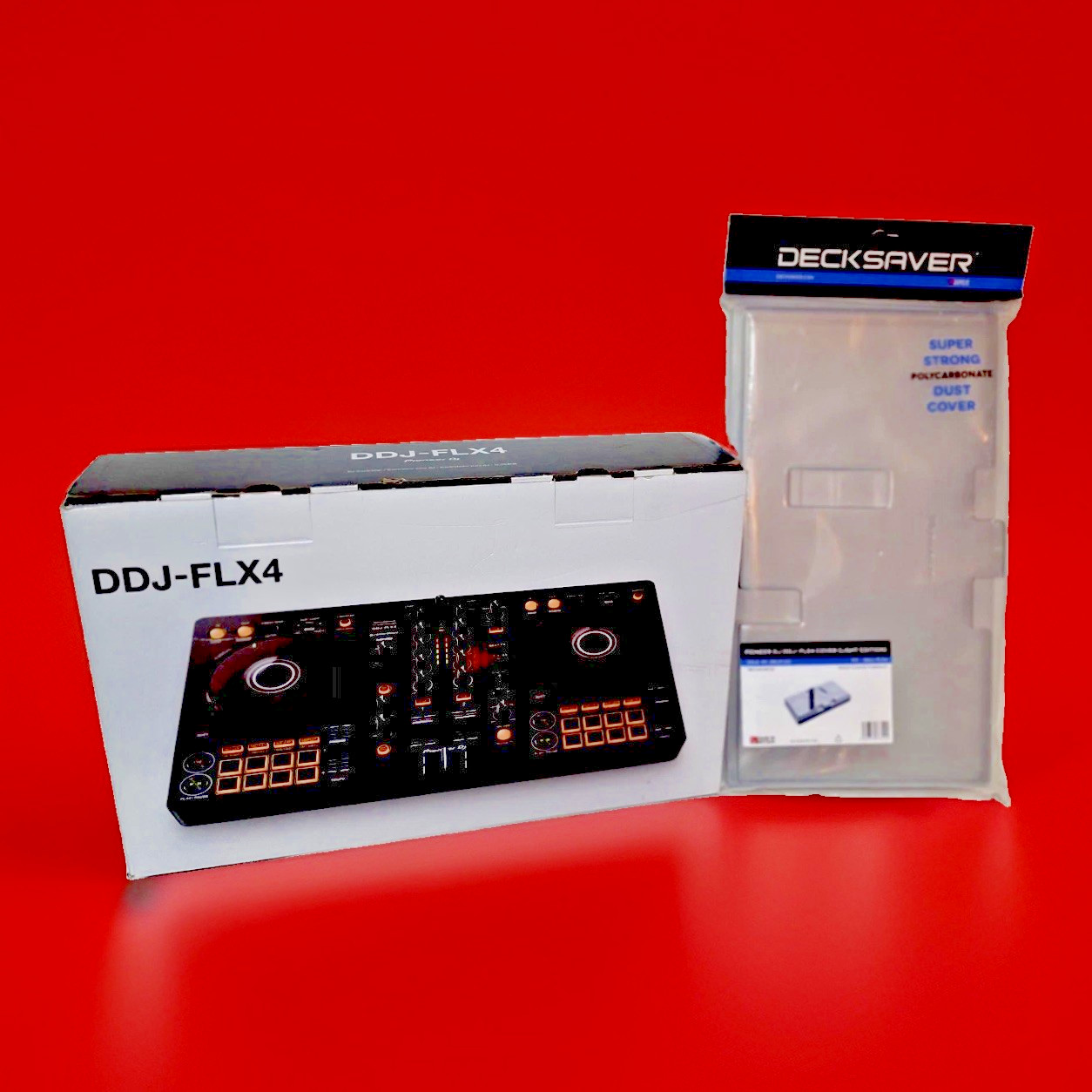 Pioneer DJ DDJ-FLX4 2-Channel DJ Controller NEW - W/ Deck Saver Dust Cover$280.00View on eBay
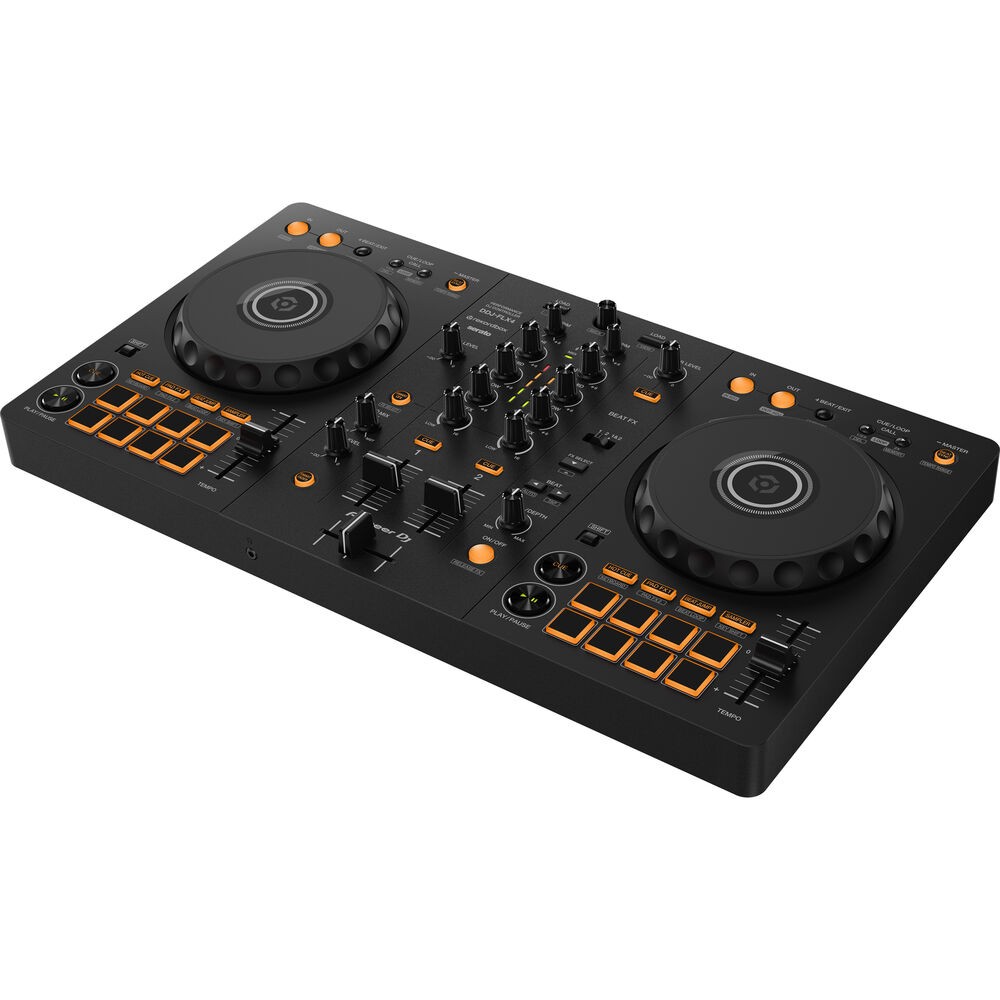 Pioneer DJ DDJ-FLX4 2-deck Rekordbox and Serato DJ Controller - Graphite$294.99Last checked Nov 14, 2026View on eBay
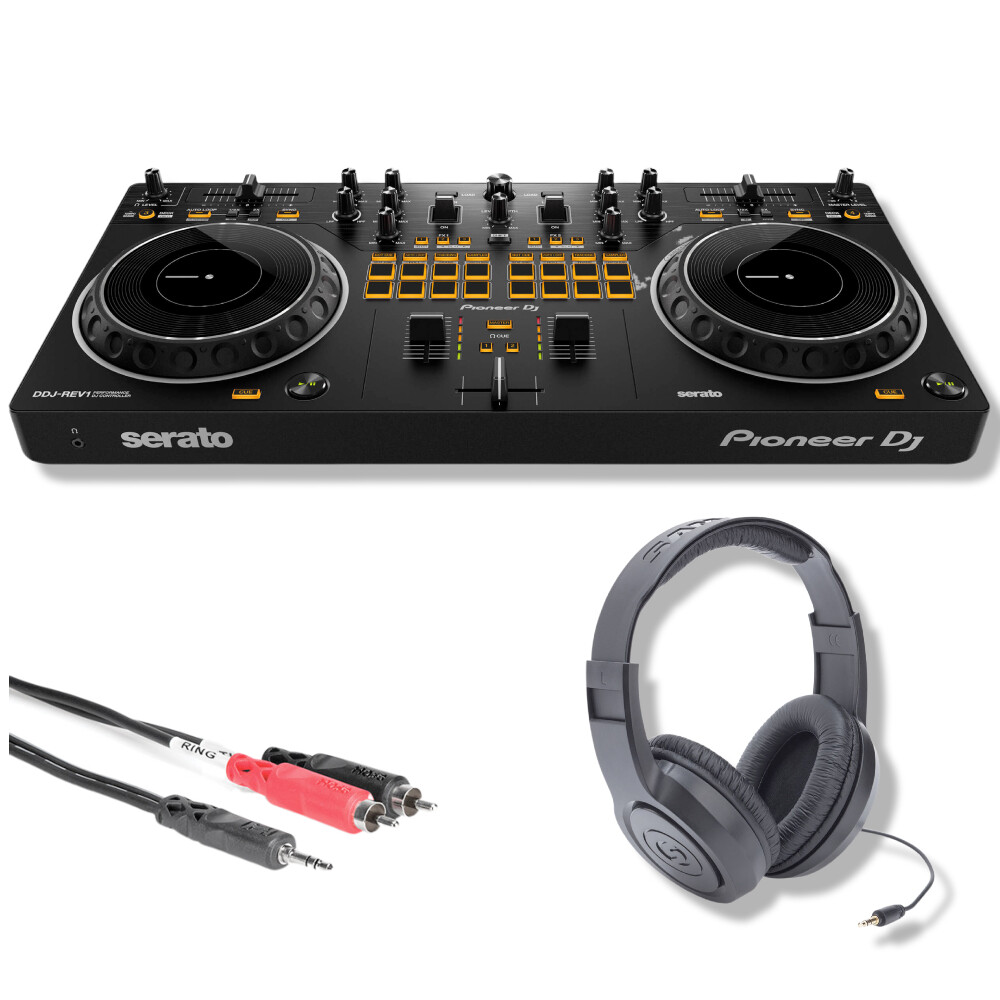 Pioneer DJ DDJ-REV1 2-deck Serato DJ Controller with Accessories$329.99Last checked Nov 14, 2026View on eBay
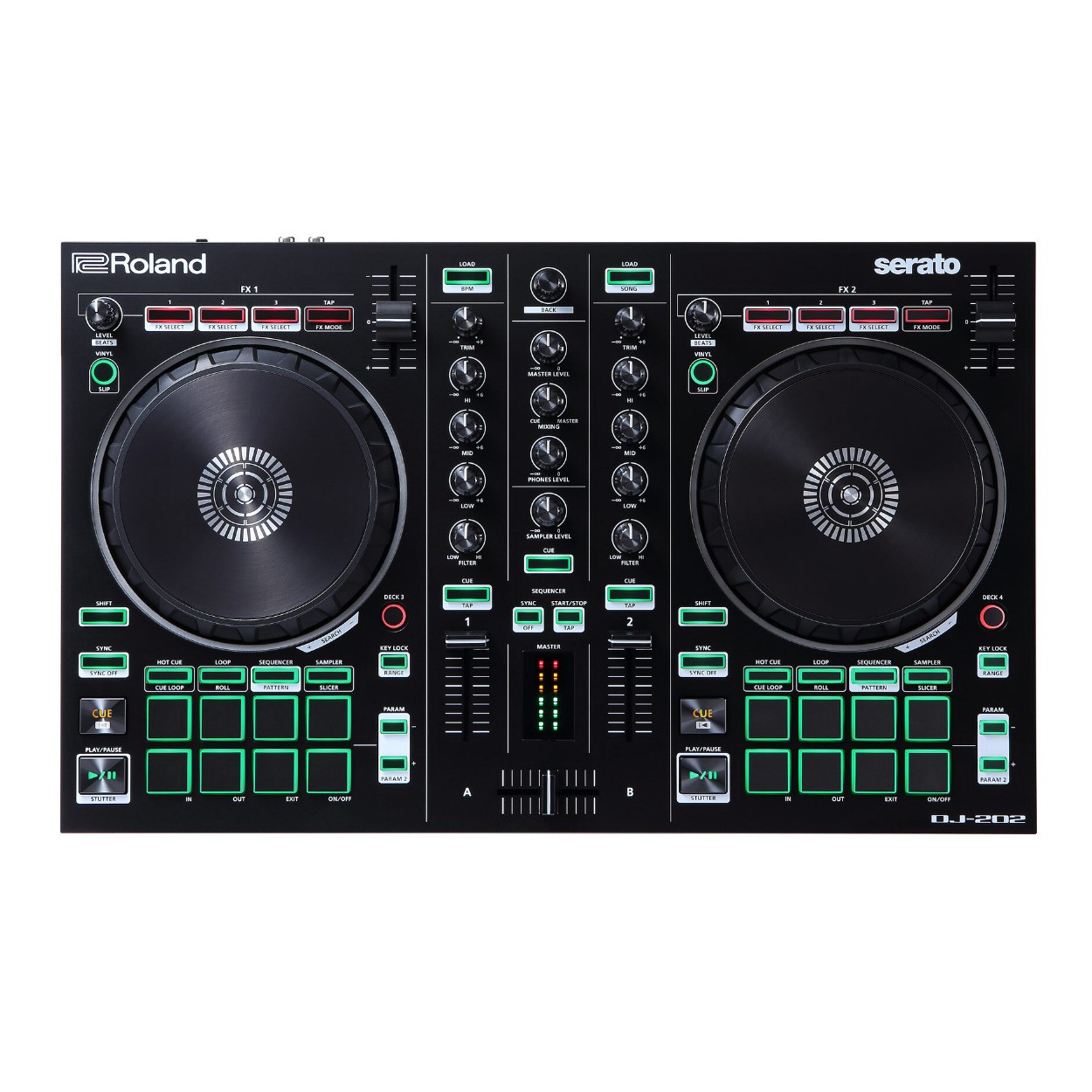 Roland DJ 202 Lightweight Two Channel Four Deck Serato DJ Controller PRO$339.99Last checked Nov 14, 2026View on eBay
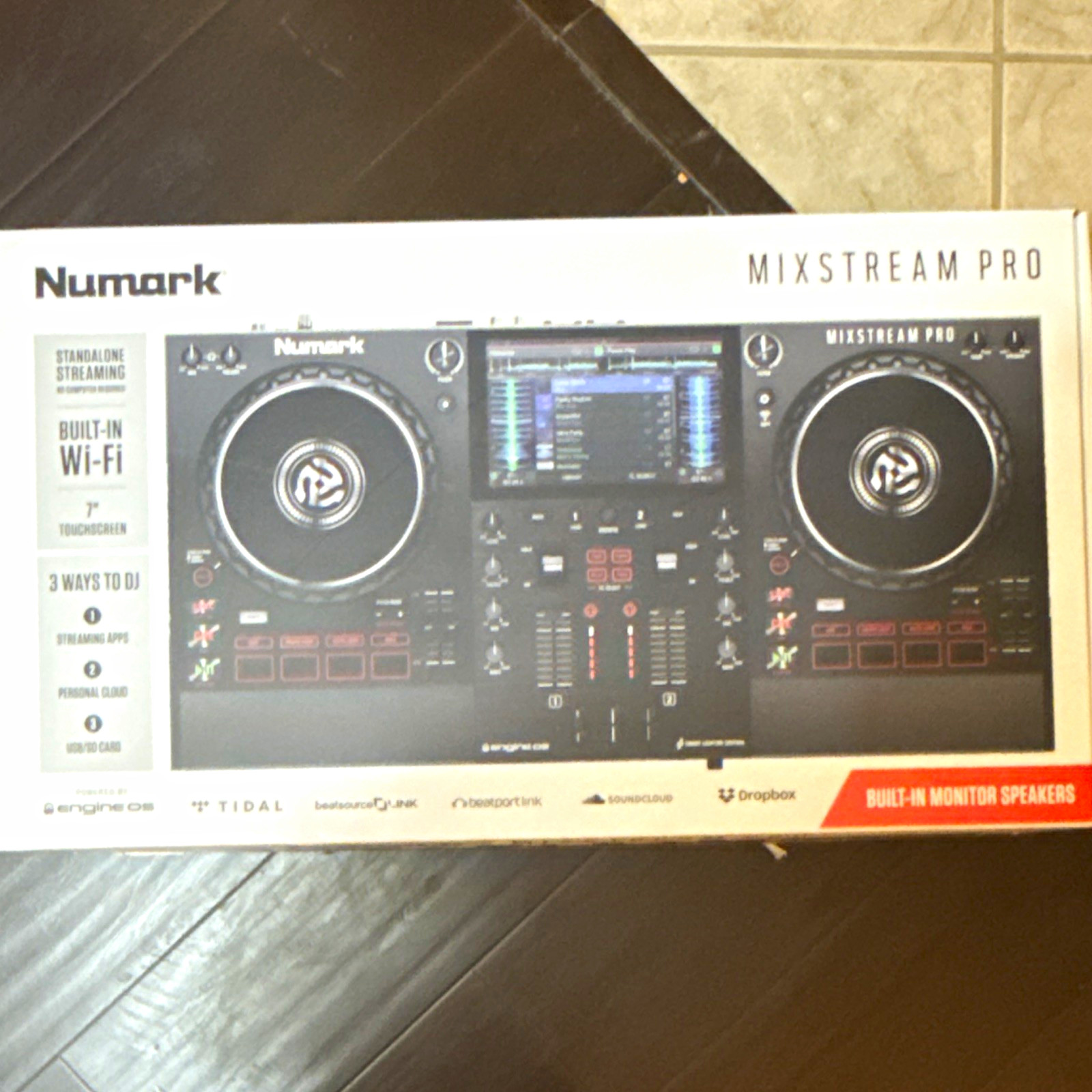 Numark Mixstream Pro 2-Deck DJ Controller w/ Wi-Fi Touchscreen Monitor Speakers$420.00View on eBay
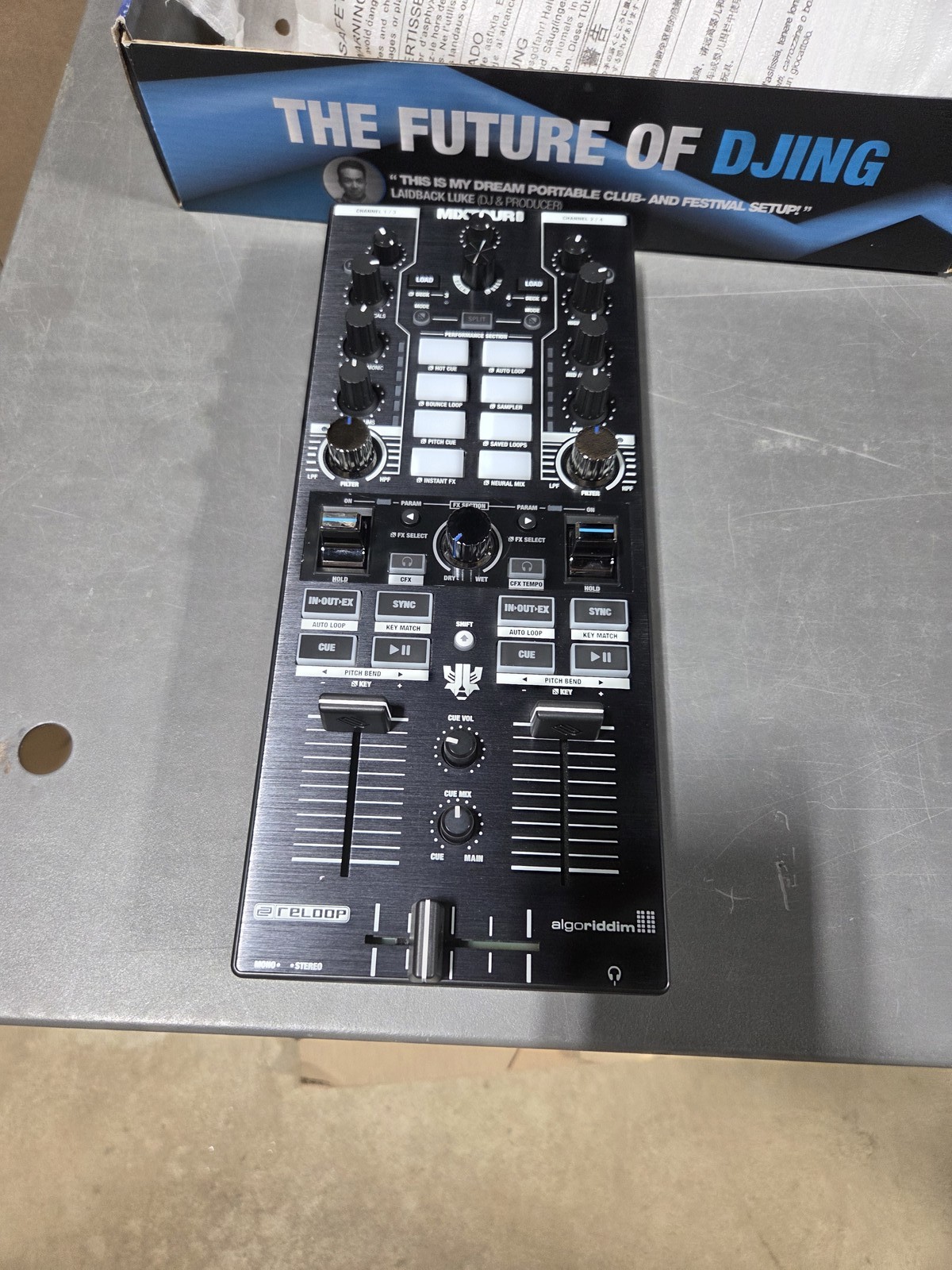 Reloop Mixtour Pro All-In-One Four-Deck DJ Controller w/ Interface (B-Stock)$449.97Last checked Nov 14, 2026View on eBay
Highlights
- Deck count is set by the software and mixer channels: 2-deck controllers decode two tracks and usually offer 2 mixer channels; 4-deck units add two virtual decks and a 4-channel mixer, enabling layered mixes and external line/phono inputs.
- Connection standard defines latency and host compatibility: class-compliant USB-C or USB-A audio runs driverless on macOS/iOS and modern Windows, while older micro-USB units need drivers and adapters and lack USB-C bus power headroom.
- Jog wheel size and resolution govern scratching and beat-matching feel: full-size capacitive touch jogs (5-7 inches) allow vinyl-style manipulation; compact 3-4 inch jogs suit cueing and basic mixing only.
- Output stage quality separates gig-ready decks from practice units: balanced XLR or TRS main outs reject noise over long cable runs to a PA, while unbalanced RCA-only outputs are limited to short runs into a home mixer or powered speakers.
Best use cases
- Best fit for bedroom and travel: a bus-powered 2-deck controller with 3.5 mm/RCA out and USB-C—pick it if you mix two tracks and pack it in a backpack; skip it if you need phono inputs or XLR main outs.
- Best fit for bars and small parties: a 2-deck controller with balanced TRS or XLR main out and a dedicated booth/monitor output—choose this over RCA-only units to drive a PA cleanly; skip 4-deck models unless you actually layer three or more sources.
- Best fit for club-standard practice and external gear: a 4-deck controller or standalone media player pair with line/phono inputs and XLR outs—buy this if you plan to add CDJs, turntables, or a hardware synth; skip compact 2-channel units that cannot accept external decks.
- Wrong fit to avoid: iPod-dock or legacy 30-pin mixing consoles and 'for parts/repair' listings—these lack current software support and driverless USB audio; choose a class-compliant USB controller instead.
Buying tips
- Match deck count to your mixer channel need: 2-deck controllers typically give 2 channels and no external inputs; choose a 4-deck/4-channel unit if you need line or phono inputs for turntables, CDJs, or a mic on a separate channel.
- Prioritize USB-C class-compliant audio over micro-USB: USB-C supplies more bus power for LEDs and audio headroom and works driverless on macOS/iOS; micro-USB units often need drivers and a powered hub for stable operation.
- Check output connectors before buying: balanced XLR or 1/4-inch TRS main outs are required for long runs to a PA; RCA-only units are fine only for short runs to a home mixer or powered monitors.
- Confirm jog size for your style: 5-inch or larger capacitive touch jogs suit scratching and manual beat-matching; compact 3-4 inch jogs are adequate for cueing and crossfading but limit vinyl-style technique.
Specs
| Deck Count | 2-deck / 4-deck |
|---|---|
| Mixer Channels | 2-channel / 4-channel |
| Audio Connection | USB-C class-compliant / micro-USB |
| Main Output | Balanced XLR/TRS vs unbalanced RCA |
Related searches
What to check before buying
- Measure your desk or stand footprint and clearance for the controller's width and depth; 4-deck controllers are substantially wider than 2-deck units and need room for laptop and monitor placement.
- Confirm your computer or tablet has the required port (USB-C or USB-A) and sufficient bus power; micro-USB units may need a powered hub, and iOS use requires a Camera Connection Kit or USB-C iPad.
- Verify the mains voltage and plug type for any standalone media player or mains-powered mixer; bus-powered controllers avoid this but still need the correct USB cable and charger.
- Check that your software (Serato DJ Lite/Pro, rekordbox, djay, VirtualDJ) supports the controller natively; hardware unlock versus paid upgrade determines whether you can use performance features without extra licenses.
FAQ
Data sources: eBay / Amazon listings and product attribute feeds Data updated Nov 16, 2026.
Some links on this page are affiliate links. If you buy after clicking one, we may earn a commission at no extra cost to you. This does not change which products appear here or their order. Affiliate disclosure.