Photos from current listings. Actual item, color, and included accessories may vary.
Akai Professional MPK Buying Guide
Akai Professional MPK is a line of compact MIDI keyboard controllers built around synth-action keys, velocity pads, and DAW-mapped knobs, spanning the slim-key MPK Mini series and the standalone MPK Mini Play with onboard sounds and a speaker. The core trade-off is keybed feel and controller features against portability: mini-keys with shallow travel suit travel rigs, while full-size or semi-weighted keybeds belong in fixed studio setups. Buy by generation and feature tier — MK3-class units add USB-C, upgraded pads, and expanded DAW profiles — not by cosmetic listings.


At a glance
- Brand
- Not synced yet
- Model
- Not synced yet
- MPN
- Not synced yet
- Category
- Keyboards & Pianos
- Status
- Offers available
- Data updated
- Nov 16, 2026
Current offers
 Akai Professional MPK Mini Play MK3 - MIDI Key Controller with Built-in Speaker$99.00
 View on eBay
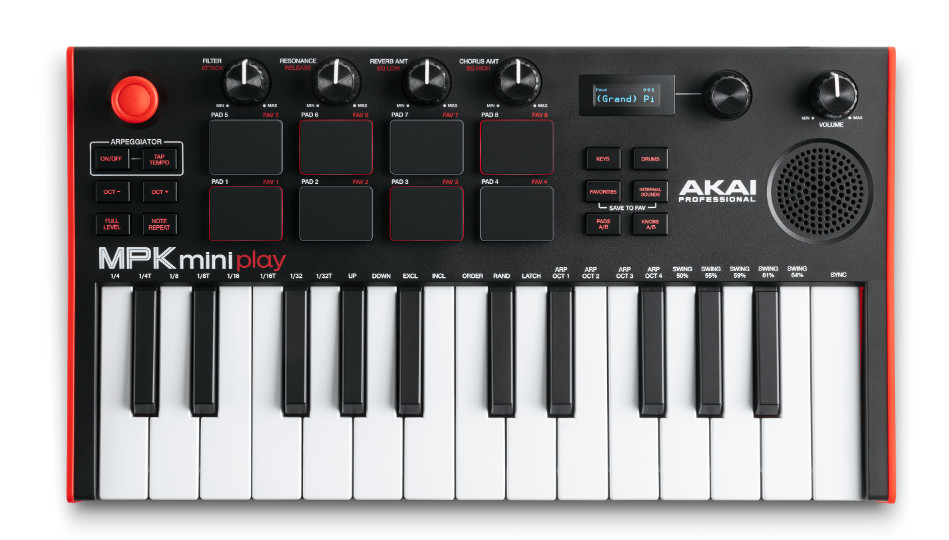 OPEN BOX! Akai Pro MPK MINI Play MK3 Controller Keyboard With Speakers$119.00View on eBay
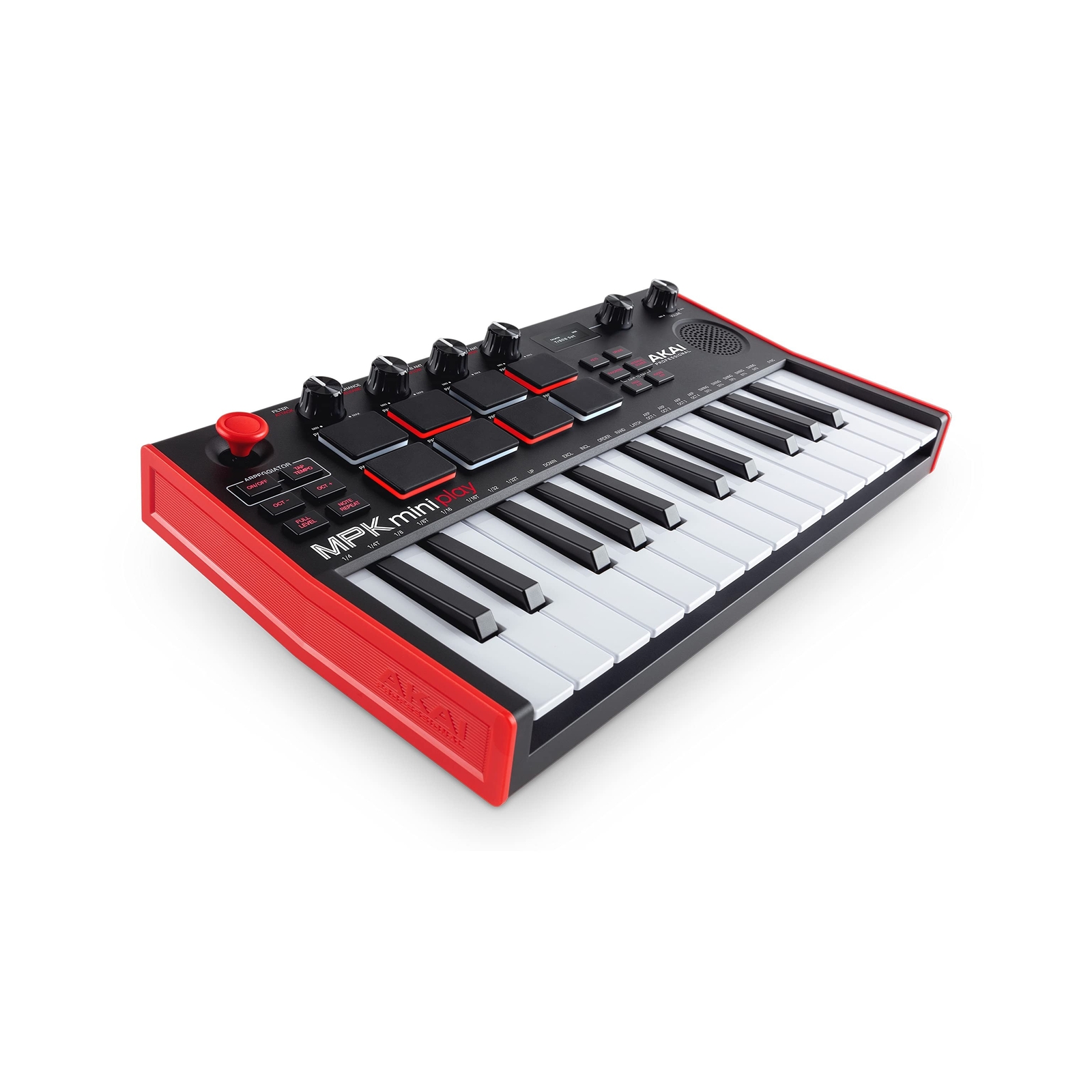 AKAI Professional MPK Mini Play MK3 MIDI Keyboard Controller with Built in Sp...$167.23View on eBay
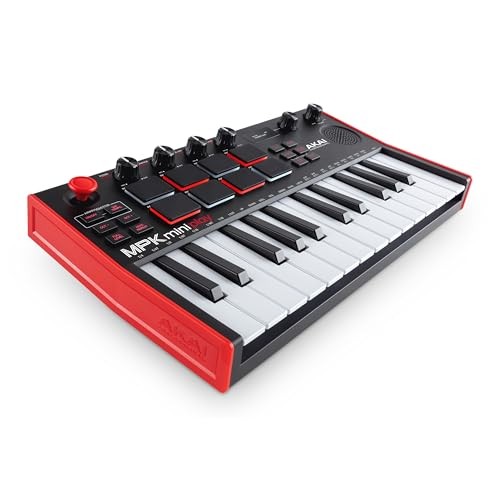 AKAI Professional MIDI Keyboard Controller 25 Keys Built-in Speaker & Sound$176.16View on eBay
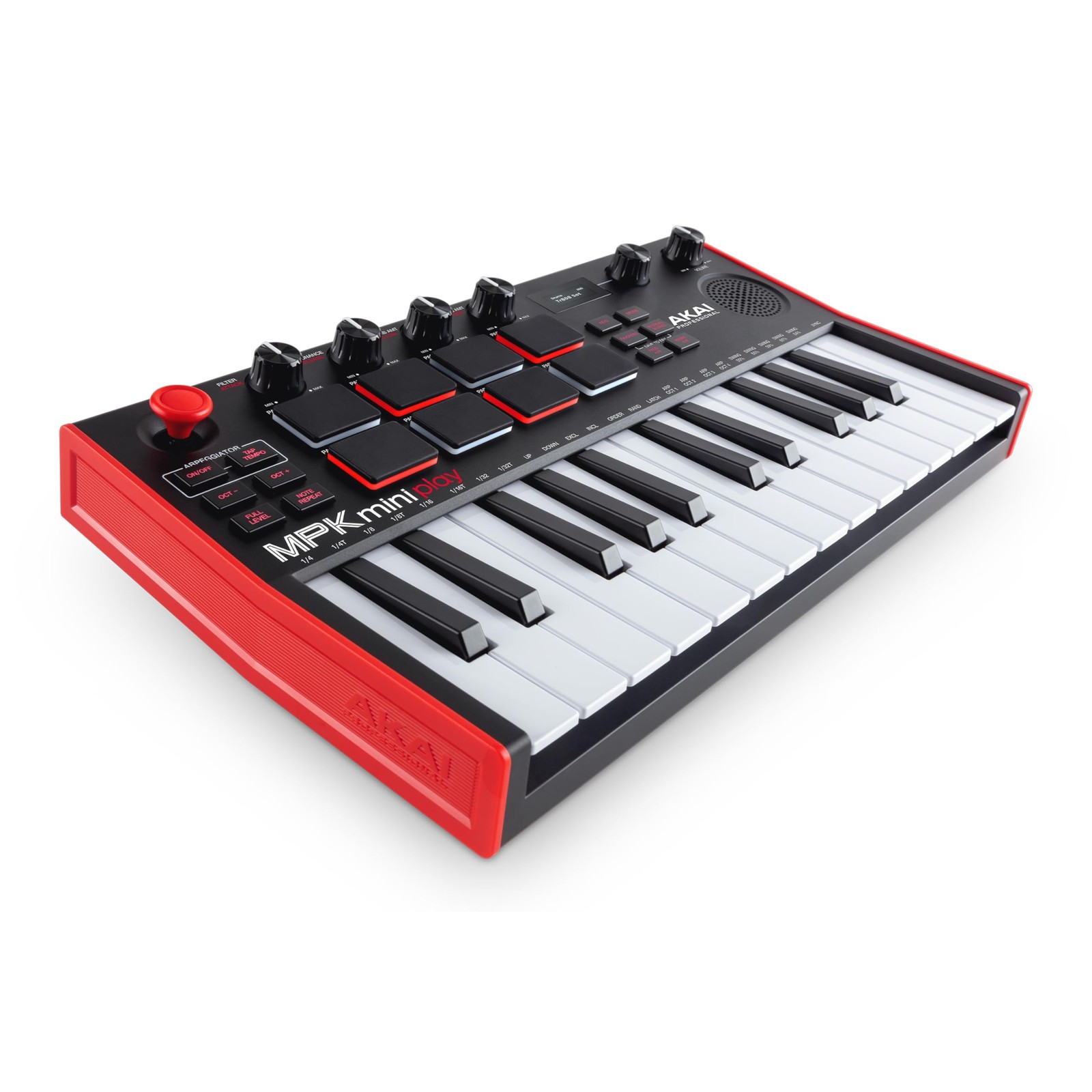 Akai Professional MPK Mini Play MK3 - MIDI MK3, Standard$185.39View on eBay
- Akai Professional MPK Mini Play MK3 - MIDI MK3, Standard$185.39View on eBay
- Akai Professional MPK Mini Play MK3 - MIDI Keyboard Controller with Built-in ...$190.51View on eBay
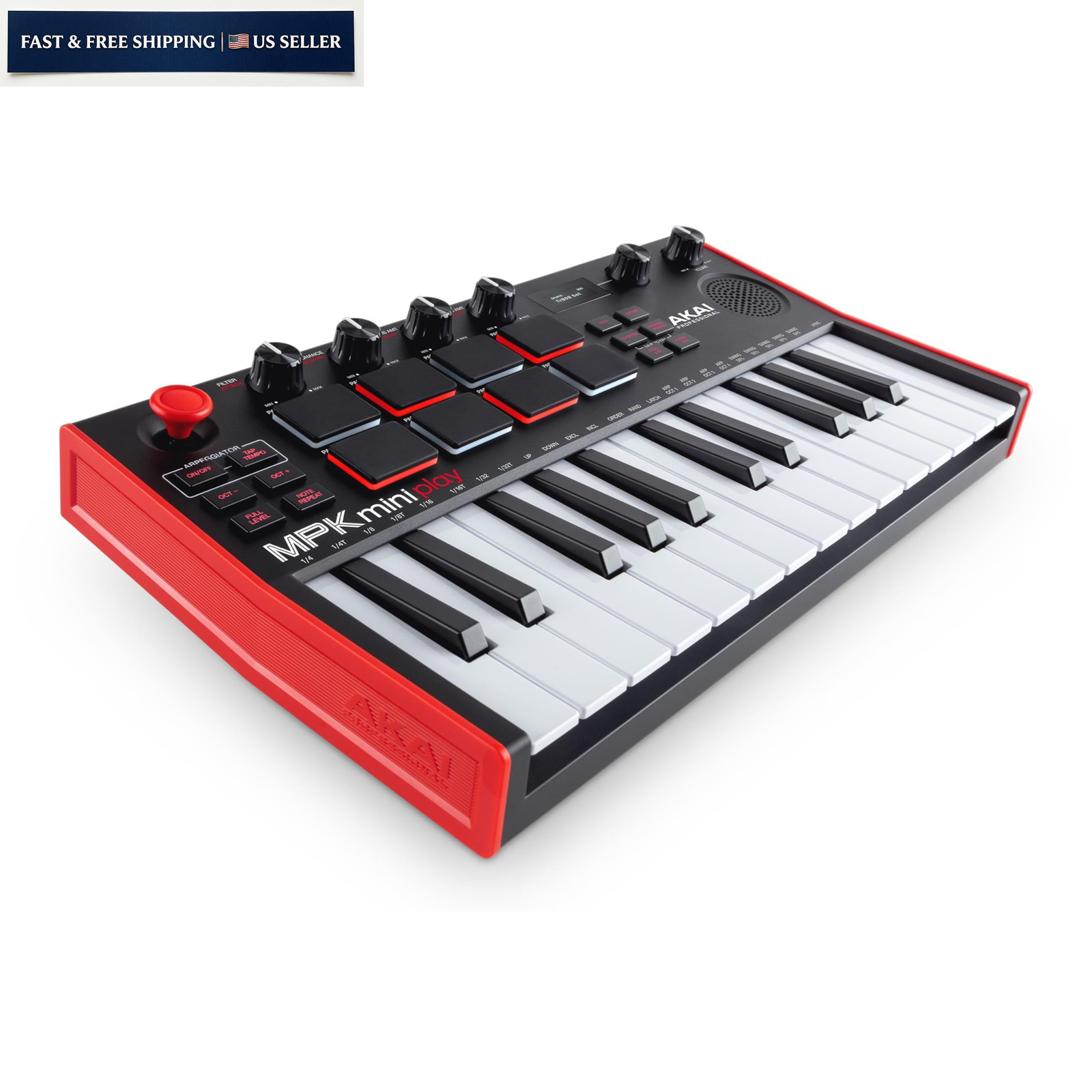 Akai Professional MPK Mini Play MK3 - MIDI MK3, Standard$237.99Last checked Nov 14, 2026View on eBay
Highlights
- MPK Mini MK3 and MPK Mini Play MK3 share 25 mini-keys, 8 backlit MPC-style pads, and 4 assignable knobs; Play adds an internal sound engine and speaker for cable-free play.
- USB-C bus power and class-compliant USB-MIDI mean MK3-generation units connect to Mac, Windows, and iPad without drivers or a power adapter.
- MPK Mini Play runs on batteries for standalone use but its pads and knobs still map to a DAW over USB; the Mini is USB-MIDI only with no onboard sounds.
- Older MPK Mini MK2 uses micro-USB and non-backlit pads, so the MK3 jump is the meaningful generation split for connectivity and pad visibility.
Best use cases
- Pick the MPK Mini MK3 for a laptop or iPad beatmaking rig where you want a compact controller with no onboard sounds and the lowest travel weight.
- Pick the MPK Mini Play MK3 for couch sketching or travel when you need built-in sounds and a speaker and won't always have a computer on hand.
- Skip any MPK for full-size weighted piano practice or serious two-hand playing — those need 61-plus full-size or hammer-action keys, not 25 mini-keys.
- Skip the Play if you already own a laptop and soft synths; the Mini delivers the same controller layout with less bulk and no battery dependency.
Buying tips
- Count keys against your parts: 25 mini-keys cover basslines, chords, and drum programming but force octave-shifting for two-octave melodies or wide voicings.
- Confirm the generation before buying: MK3 means USB-C and backlit pads, MK2 means micro-USB and unlit pads, so match the cable and lighting you actually need.
- Check pad count and layout — 8 pads in a 4x4 grid suit finger-drumming and clip launching; knob count (4 on the Mini) limits how many parameters you map at once.
- Weigh the Play's battery and speaker against the Mini's lighter, purely controller build; only pay for onboard sounds if you'll genuinely play untethered.
Specs
| Keybed | 25 mini synth-action keys |
|---|---|
| Pads & Knobs | 8 backlit pads / 4 knobs |
| Connection | USB-C class-compliant MIDI |
| Onboard Sound | Mini Play only (speaker + battery) |
Alternatives to compare
Related searches
What to check before buying
- Measure your desk or bag: the 25-key footprint is roughly laptop-width, so confirm it clears your laptop stand and slides into your carry case.
- Confirm your host device has a free USB-A or USB-C port and that your DAW or iOS app accepts class-compliant MIDI input.
- For the Mini Play, budget for AA batteries or a USB power source if you plan long untethered sessions away from a wall outlet.
- Check that your software includes or accepts a drum/soft-synth plugin, since the Mini produces no sound on its own.
FAQ
Data sources: eBay / Amazon listings and product attribute feeds Data updated Nov 16, 2026.
Some links on this page are affiliate links. If you buy after clicking one, we may earn a commission at no extra cost to you. This does not change which products appear here or their order. Affiliate disclosure.