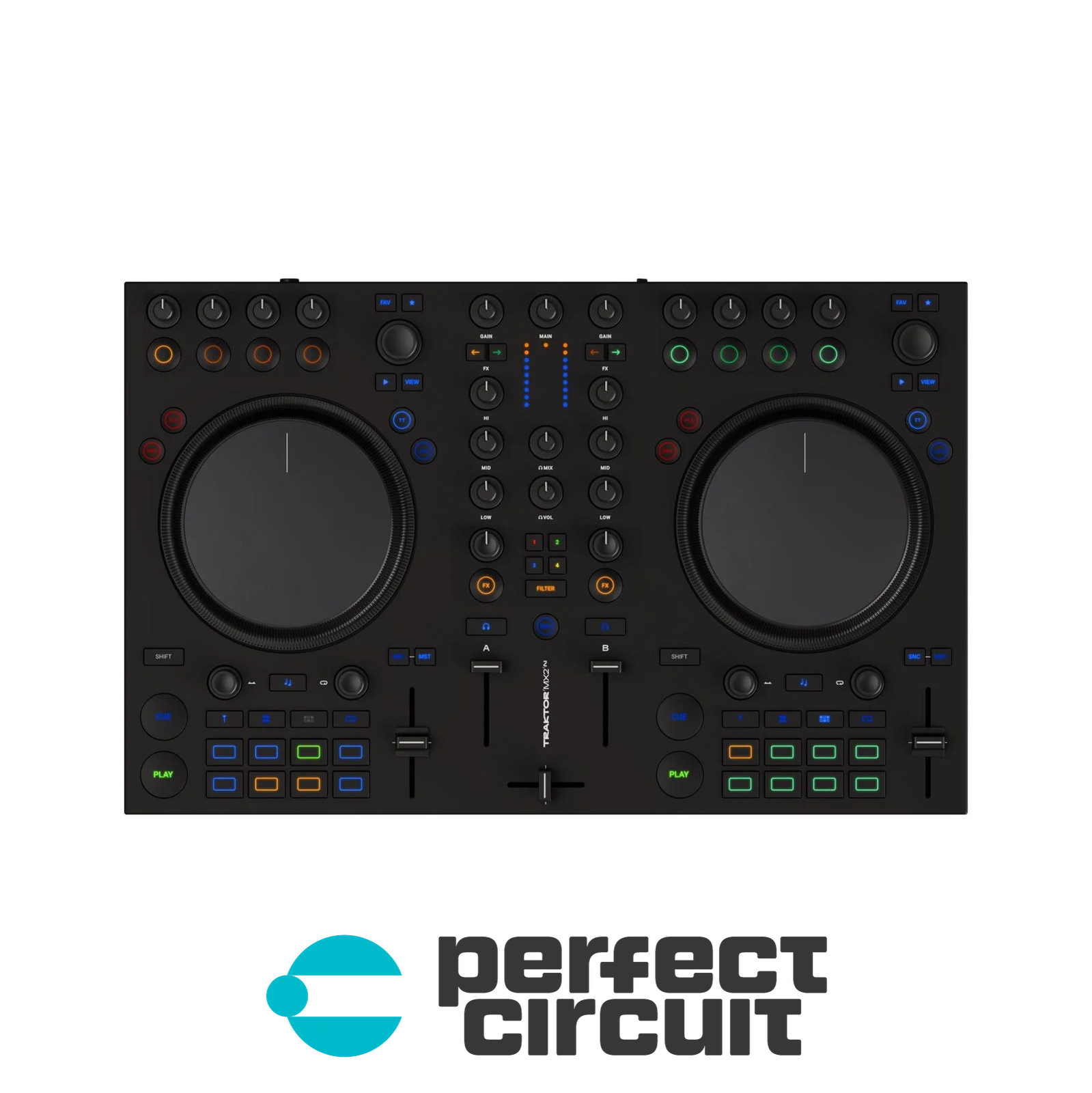

Photos from current listings. Actual item, color, and included accessories may vary.
Native Instruments Traktor MX2 DJ Controller Buying Guide
The Native Instruments Traktor MX2 is a two-channel, double-deck DJ controller designed for Traktor Pro software, slotting below the flagship S4 and above entry-level modular units. The core trade-off is between all-in-one hardware controls and software-centric workflow: the MX2 gives you full deck transport, mixer EQ/faders, and jog wheels, but no built-in audio interface, so you must supply a separate Traktor Scratch-certified sound card. Buy the MX2 only if you already own a Traktor-certified audio interface and want a compact, bus-powered controller; skip it if you need plug-and-play audio output or standalone operation.


At a glance
- Brand
- Not synced yet
- Model
- Not synced yet
- MPN
- Not synced yet
- Category
- DJ Equipment
- Status
- Offers available
- Data updated
- Nov 16, 2026
Current offers
Highlights
- Double-deck, two-channel layout with dedicated transport, hotcue, loop, and sync controls for Traktor Pro 2/3/4.
- No internal audio interface — requires an external Traktor Scratch-certified sound card for audio output and headphone cueing.
- Bus-powered via USB 2.0; no dedicated power supply, which limits use with unpowered hubs and low-output USB ports.
- Class-compliant MIDI over USB with Traktor deep integration, but the MX2 is discontinued and Traktor Pro license must be purchased separately.
Best use cases
- Best fit: Traktor Scratch users who already own a certified audio interface (e.g., Audio 6/10) and want a compact second controller for gigs or backup.
- Best fit: DJs mixing two decks with hotcues and loops who prefer Traktor's workflow and can map the MX2's full control surface natively.
- Wrong fit: Beginners wanting a single-box solution with built-in audio — choose a Traktor Kontrol S2 or S4 instead, which include the audio interface.
- Wrong fit: Standalone or rekordbox/serato users — the MX2 is Traktor-specific and offers no standalone mixing without a computer and certified sound card.
Buying tips
- Confirm your existing sound card is Traktor Scratch-certified (Audio 2/4/6/8/10, Traktor Audio 6/10) before buying — an uncertified interface blocks Traktor's Scratch functionality.
- Check the unit includes the original USB cable and that jog wheel touch sensors are functional, since replacement parts for discontinued MX2 units are scarce.
- Budget for a Traktor Pro license separately — the MX2 ships without software, and used units rarely include a transferable license.
- Verify the seller's return window covers at least 14 days so you can test all faders, knobs, and jog wheels for dead zones or ghost touches.
Specs
| Deck Control | 2 decks / 2-channel mixer |
|---|---|
| Audio Interface | None — external certified card required |
| Power | USB bus-powered (5V) |
| Software | Traktor Pro 3/4 (sold separately) |
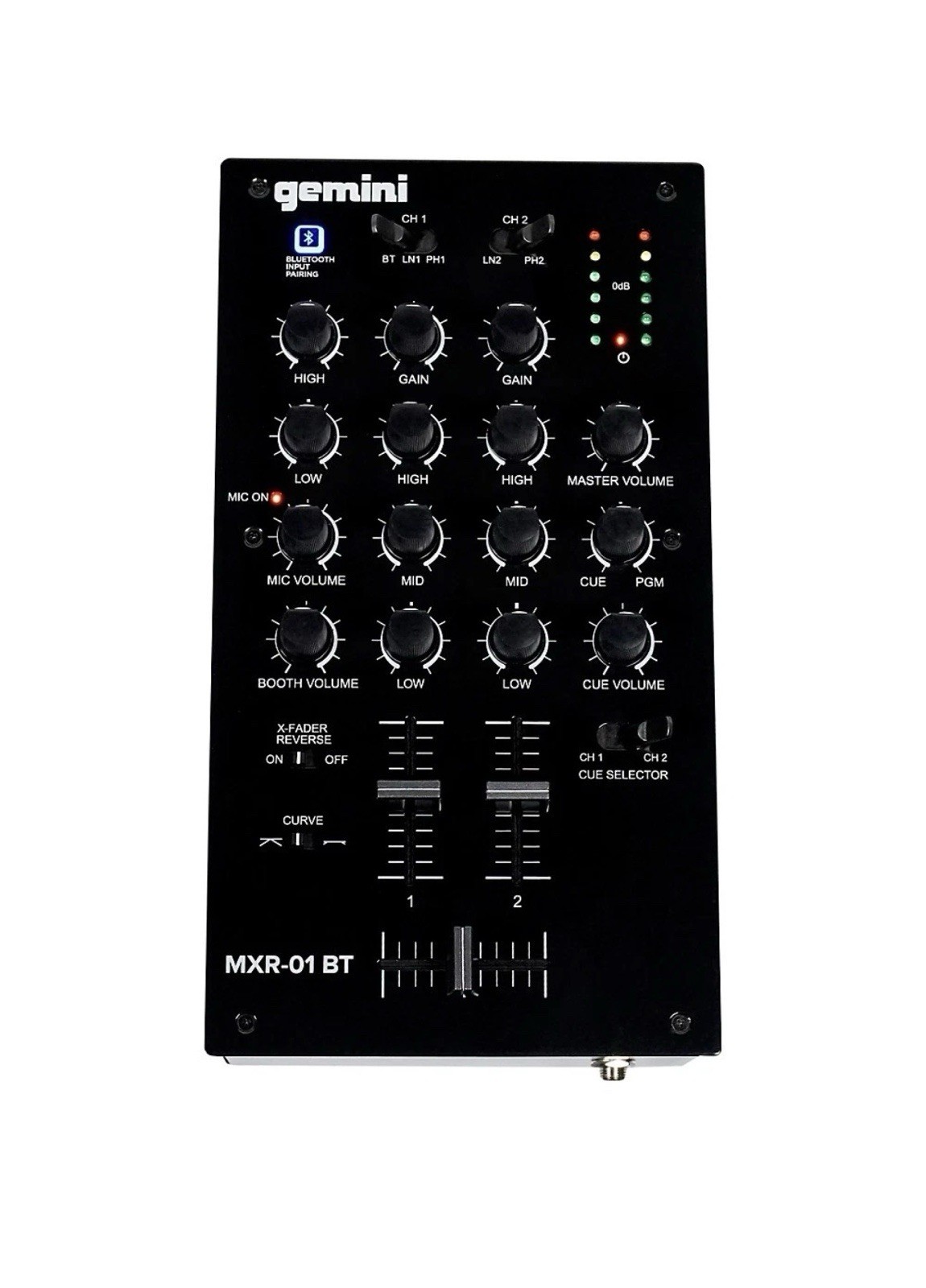
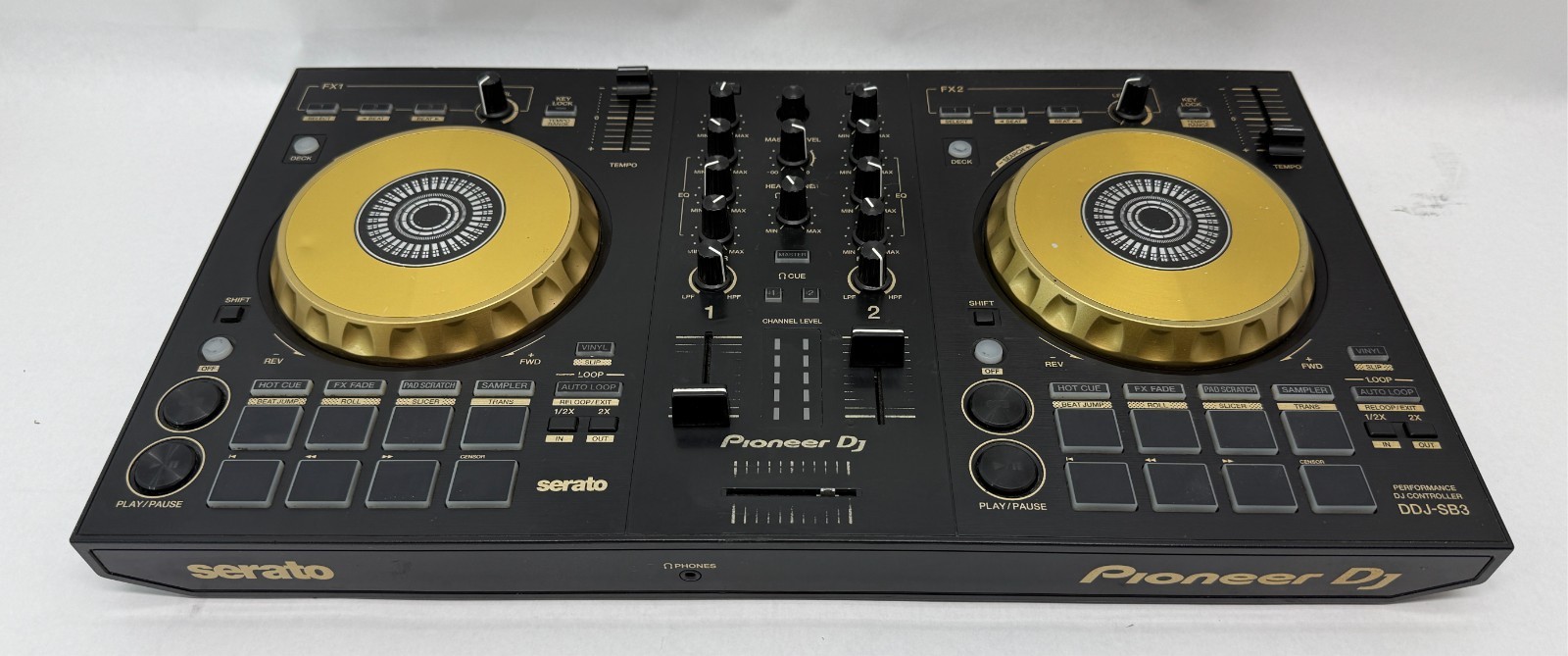
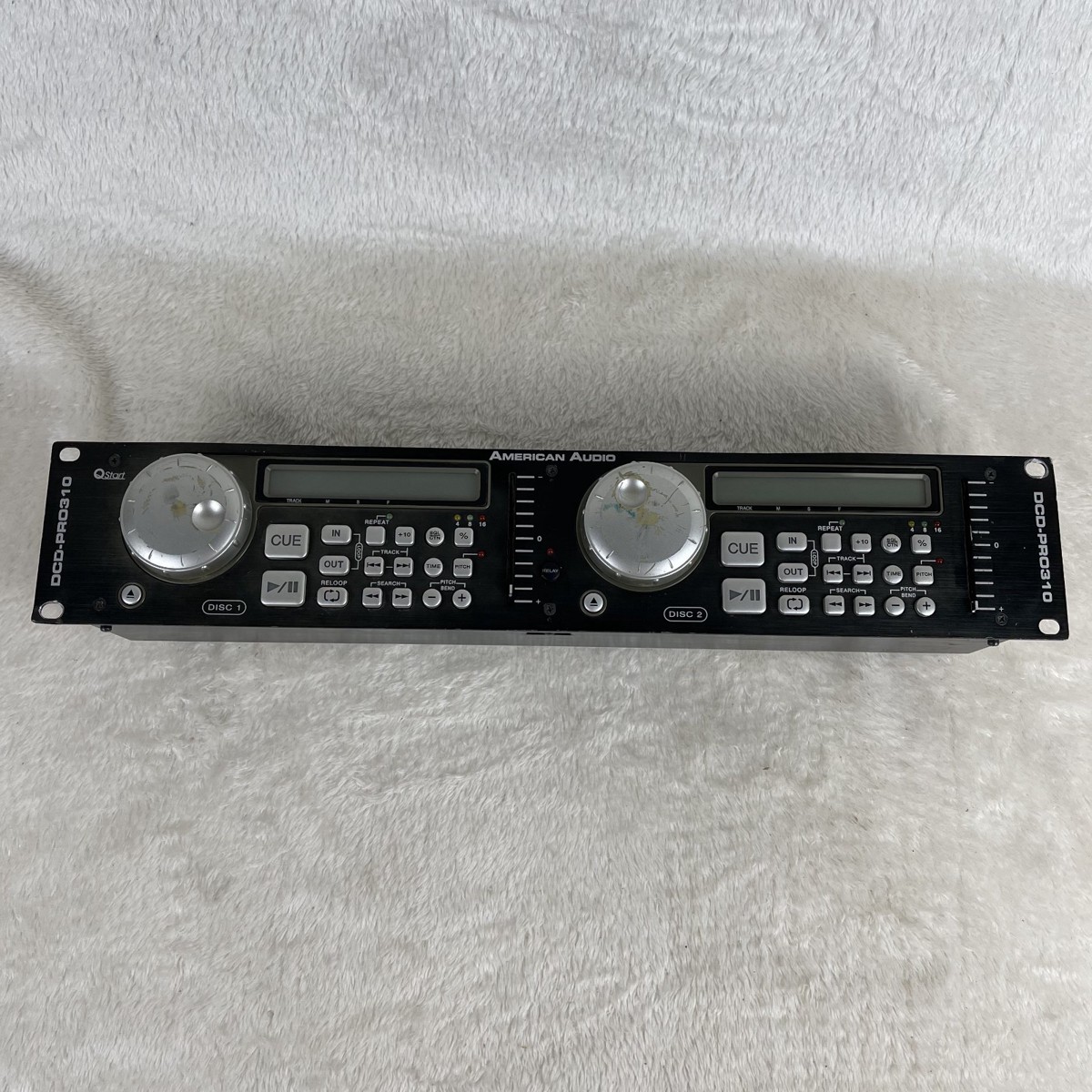
Alternatives to compare


Related searches
What to check before buying
- Measure your desk or booth space: the MX2 is roughly 19 inches wide, so confirm at least 24 inches of clear width for comfortable jog wheel access.
- Verify your computer has a free USB-A port and meets Traktor Pro's minimum OS (Windows 10/macOS 10.13 or later) for driver-free class compliance.
- Confirm your audio interface has two stereo outputs (main + headphone) and is on Native Instruments' Traktor Scratch certification list.
- Check that your laptop or USB hub can supply stable 5V bus power — unpowered hubs may cause dropouts with the MX2's backlit controls.
FAQ
Data sources: eBay / Amazon listings and product attribute feeds Data updated Nov 16, 2026.
Some links on this page are affiliate links. If you buy after clicking one, we may earn a commission at no extra cost to you. This does not change which products appear here or their order. Affiliate disclosure.